How to Stop "You have files waiting to be burned to disc" Message in Windows
Information
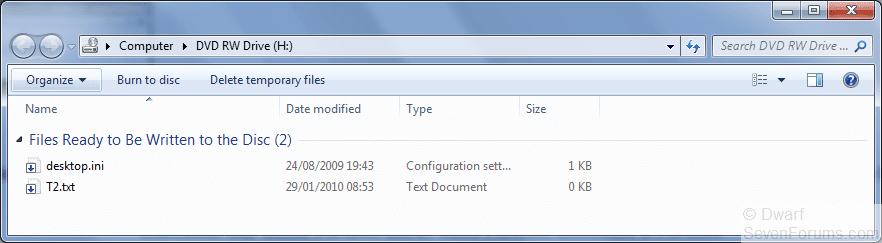
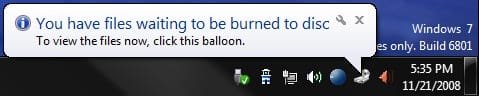
If you have the You have files waiting to be burned to disc Notification Area balloon message at every startup or log on of Windows, or just want to stop files waiting to be burned to disc, then this will show you how to stop this by clearing the Temporary Burn Cache folder.
Note
You usually will also have a blank window when you click on the To view the files now, click this balloon link.
EXAMPLE: You have files waiting to be burned to disc Notification Area balloon message
 EXAMPLE: To view the files now, click this balloon - Blank Window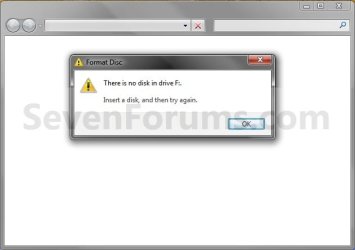
OPTION ONE
From Computer or This PC Window
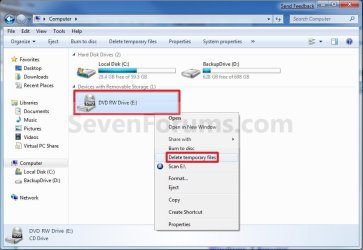
2. Right click or swipe down on the CD or DVD drive with this issue, and click/tap on Delete temporary files. (see screenshot below)
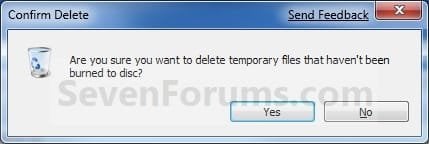
3. Click/tap on Yes to confirm deletion. (see screenshot below)
OPTION TWO
From the Temporary Burn Folder
2. Press the Windows + R keys to open the Run dialog, type shell:cd burning, click/tap on OK, and go to step 5 below.
3. Open Windows Explorer (Windows 7) or File Explorer (Windows 8), copy and paste the location below into the address bar, press Enter, and go to step 5 below.
%userprofile%\AppData\Local\Microsoft\Windows\Burn\Temporary Burn Folder
4. Open Folder Options, and select (dot) Show hidden files, folders, and drives.A) Open Windows Explorer and navigate to the location below, and go to step 5 below (see screenshot below)
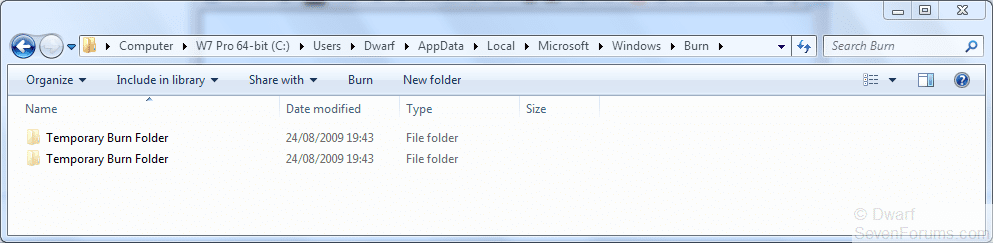
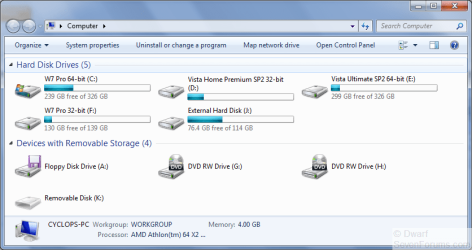
NOTE: You will have a Temporary Burn Folder for each optical drive that you have installed in your system. Connecting a U3 USB drive may add another burning folder, as well as virtual CD-Rom Emulators.
Code:
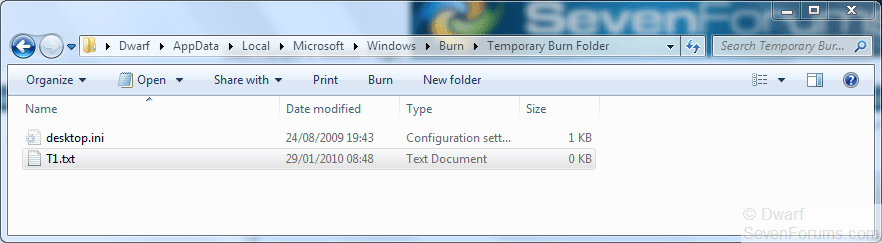
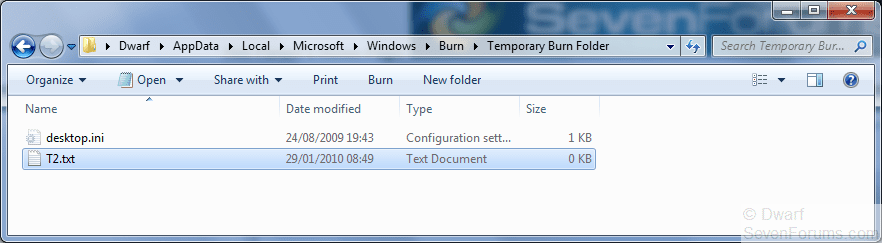
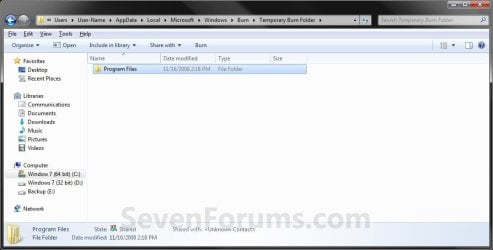
C:\Users\(user-name)\AppData\Local\Microsoft\Windows\Burn\Temporary Burn FolderNOTE: Everything in this folder is waiting to be burned to disc for that optical drive. In this example, I have the entire contents of the Program Files folder waiting to be burned to disc that needs to be deleted to stop that pesky You have files waiting to be burned to disc message.
6. If you did step 4, then in Folder Options, select (dot) Don't Show hidden files, folders, and drives.
7. Close the Temporary Burn Folder window.
That's it,
Shawn
Attachments

Last edited: