
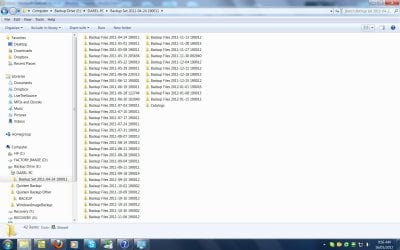
Hi. Using Windows 7 Home Edition 64bit. Backup drive is an external hard drive drive. Back up drive is full with weekly backups from April 2011 to January 2012 (print screen attached). Question is, since each subsequent back up targets changes since the previous backup, can I delete the earlier backups without impacting the later backups. Thanks for your help!
Last edited by a moderator:
My Computer
At a glance
Windows 7 Home Premium 64bit
- OS
- Windows 7 Home Premium 64bit


