Petee
New member
Hello everyone.
Recently my 200GB hard drive died and no longer works at all. I have ordered a new 750GB drive and it should be here in a few days. Luckily I created a backup image of my system about a month ago, so I hopefully won't be losing everything. When I created the image I set it up to be saved on a share on my file server: \\SERVER1\Projects\Ryan\BACKUP. It was the only place I had available with enough free space.
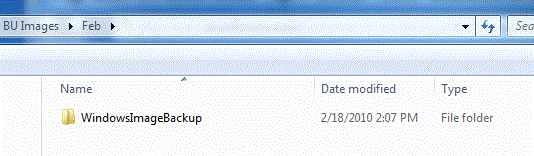
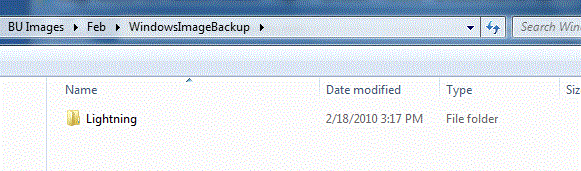
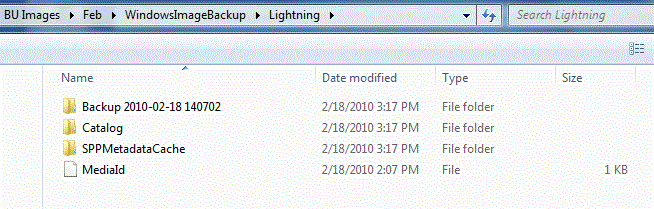
Today I ran the restore CD, just to test if I could select the image and start the restore so when I get my new drive i know exactly what to do. I got to where I had to specify the network location of the share, but no matter what I put in I couldn't get it to find my image. From other machines I can see that the WindowsImageBackup folder is in the BACKUP folder and there is a VHD file inside that, so it does exist.
Is there anything I'm missing? I would really like to be able to just restore from this image. Any help is appreciated. Thanks
Recently my 200GB hard drive died and no longer works at all. I have ordered a new 750GB drive and it should be here in a few days. Luckily I created a backup image of my system about a month ago, so I hopefully won't be losing everything. When I created the image I set it up to be saved on a share on my file server: \\SERVER1\Projects\Ryan\BACKUP. It was the only place I had available with enough free space.
Today I ran the restore CD, just to test if I could select the image and start the restore so when I get my new drive i know exactly what to do. I got to where I had to specify the network location of the share, but no matter what I put in I couldn't get it to find my image. From other machines I can see that the WindowsImageBackup folder is in the BACKUP folder and there is a VHD file inside that, so it does exist.
Is there anything I'm missing? I would really like to be able to just restore from this image. Any help is appreciated. Thanks
My Computer
At a glance
Windows 7 Pro (32-bit)Pentium 4 - 3.0Ghz2GBnVidia GeForce 7200
- OS
- Windows 7 Pro (32-bit)
- CPU
- Pentium 4 - 3.0Ghz
- Motherboard
- VIA PM-800 M2
- Memory
- 2GB
- Graphics Card(s)
- nVidia GeForce 7200
- Screen Resolution
- 1280x1024