Hi Folks, if I open my browser by clicking an email link, the scroll bar is missing, opening FF from desktop shortcut works.
I am aware it only shows if needed but not in my case.
I am aware it only shows if needed but not in my case.
My Computer
At a glance
Win7 H.Prem. 32bit+SP1
- Computer Manufacturer/Model Number
- Look in my Signature.
- OS
- Win7 H.Prem. 32bit+SP1

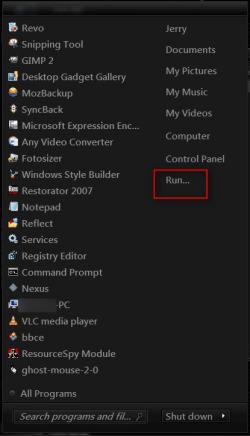
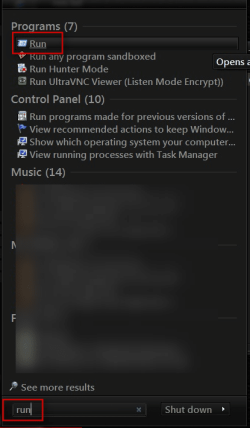
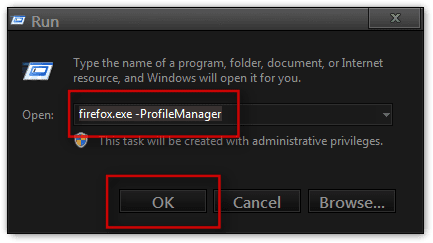
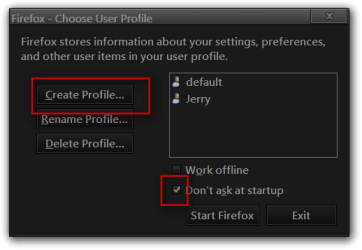
 rb: Start Button and if you have it on the right side of the start menu click on Run if it is not there type "run" without quote marks in the search box and choose Run.