Quote: Originally Posted by
xxxdannyxxx
...Its usually at the top of the email in the reading pane if it reaches your inbox...
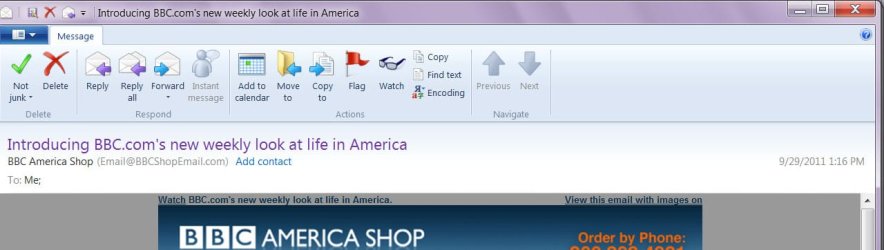
I think that is what the OP can't find. I think I saw that at least once but not often. The question is what causes that "delete and block | allow sender" choice to appear at the top of an email in your inbox. Obviously, we don't get that choice with every email received.
And what exactly is an "unknown sender"...unknown to whom? Not in your contact list?
EDIT: I did find this from How Stuff Works: "Windows Live [Hot]Mail is spam protected and includes anti-virus filters that you can apply to multiple e-mail accounts. It also has visual warnings that warn if an e-mail message appears suspicious. If you see one, the user has the option to click "Delete and Block," which will take care of that e-mail and block any other e-mails from that address."
http://communication.howstuffworks.c...ive-email2.htm
(I added the "[Hot]" because it's evident from the page that he is talking about the Hotmail website not the WLM program.)
Also, this from WLM help forum seems to define "suspicious" as "the sender is not added in your Contact list, Safe Senders list or Blocked Senders list".
http://windowslivehelp.com/thread.as...2-cd897677a199