
Ok so first off, damn this is a well laid out site!
Problem:
I bought this PC from from cyberpower via a retailer and it's been problematic ever since. I've been seeing BSOD's on a fairly regular basis, with them being most frequent while running games (WoW, f1 2012, D3). I've also had it crash and give me a BSOD while chrome was the only application running as well as woken up to a message stating I've recovered from an unexpected shutdown leading me to believe it had crashed in a similar fashion.
Already attempted:
I've ran the latest version of memtest, done 11 passes with no errors ruling out what I hoped was the issue. I've also used AMD's driver updater to ensure my GPU driver was up to date and I've still got the errors.
Hopefully I've provided everything necessary for someone to help me out. It's very much appreciated!
update* I've since turned driver verifier on after reading through another thread
2nd update* after rebooting once turning on verifier all hell broke loose, now I'm seeing bsod's after every attempt to boot. I booted in safe mode, ensured verifier was off yet i'm still unable to stay on. here are links to the 3 bsod's I've gotten after enabling verifier
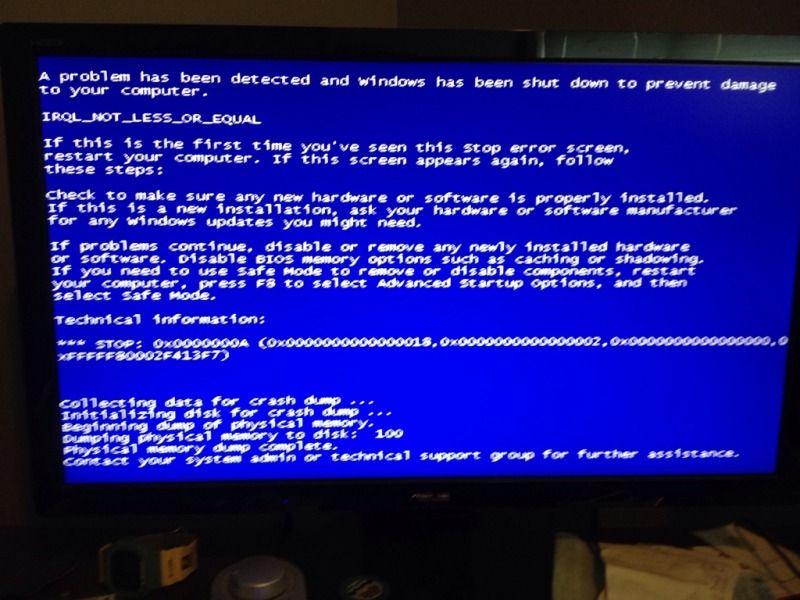
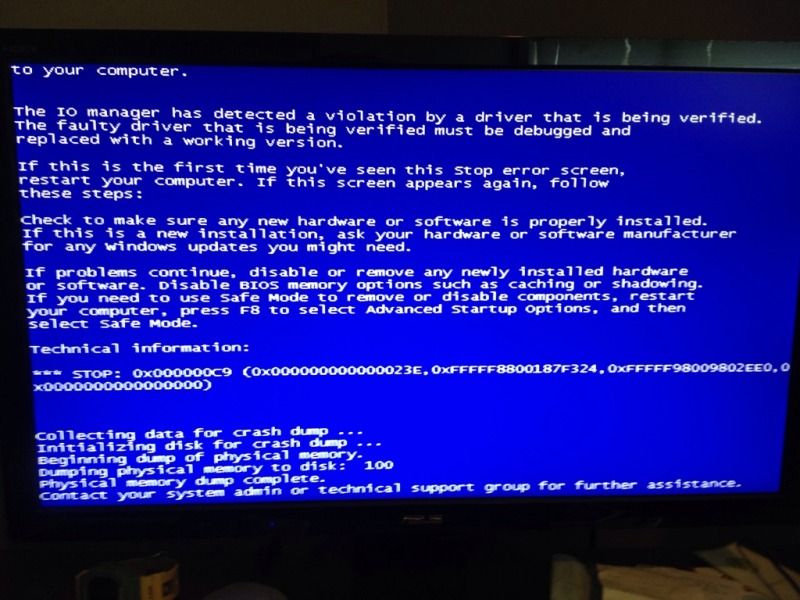
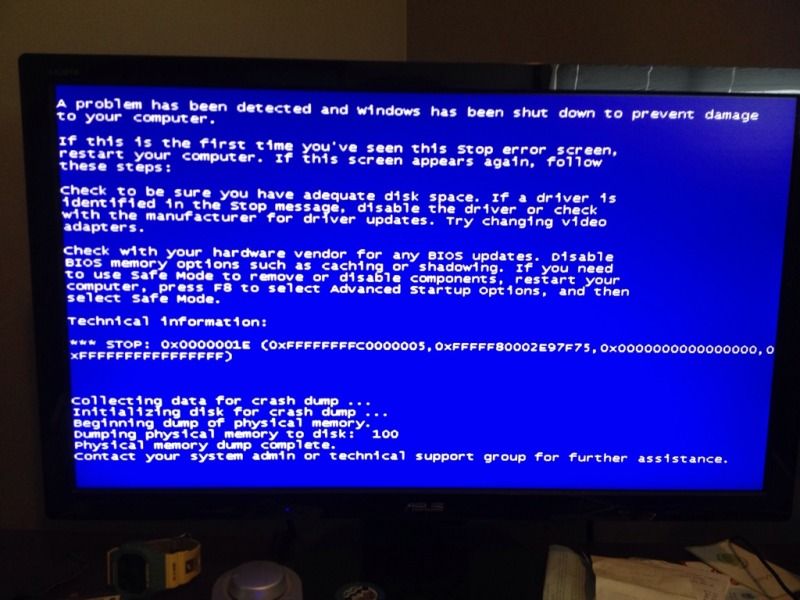
Problem:
I bought this PC from from cyberpower via a retailer and it's been problematic ever since. I've been seeing BSOD's on a fairly regular basis, with them being most frequent while running games (WoW, f1 2012, D3). I've also had it crash and give me a BSOD while chrome was the only application running as well as woken up to a message stating I've recovered from an unexpected shutdown leading me to believe it had crashed in a similar fashion.
Already attempted:
I've ran the latest version of memtest, done 11 passes with no errors ruling out what I hoped was the issue. I've also used AMD's driver updater to ensure my GPU driver was up to date and I've still got the errors.
Hopefully I've provided everything necessary for someone to help me out. It's very much appreciated!
update* I've since turned driver verifier on after reading through another thread
2nd update* after rebooting once turning on verifier all hell broke loose, now I'm seeing bsod's after every attempt to boot. I booted in safe mode, ensured verifier was off yet i'm still unable to stay on. here are links to the 3 bsod's I've gotten after enabling verifier
Last edited:
My Computer
- Computer Manufacturer/Model Number
- Cyberpower GXI220
- OS
- Windows 7 ultimate home
- CPU
- Intel i5 2500k
- Motherboard
- Asus P8Z68-V LX
- Memory
- Super Talent 1333mhz 4gb x2
- Graphics Card(s)
- AMD Radeon 6800hd
- PSU
- Xtremegear 750w
- Case
- Coolermaster HAF

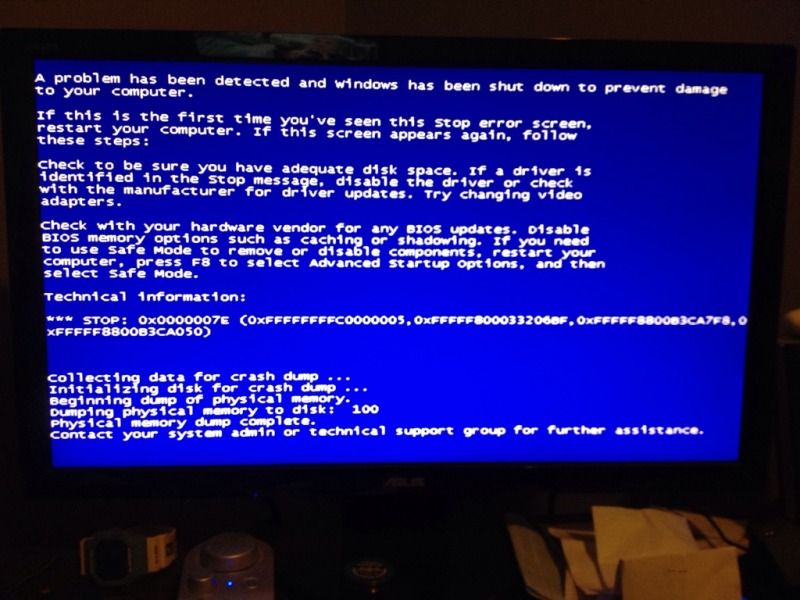
 FML. I should add, I had some very strange visuals occuring while gaming a few days ago with every color of the rainbow overtaking my monitor which was followed by a crash. Sign of a faulty GPU? I wouldn't put it past cyberpower to have used refurbished parts...