I know some people like it and some don't, but having the title bars in aero when certain apps are maxed looks messy - Lightroom and Photoshop are 2 examples.
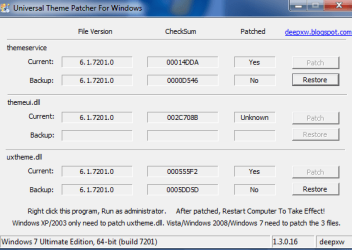
I know MS changed it from the beta as a lot of people asked, but is there any way of hacking this so that it is back to a solid colour when maxed?
It should be made an option by MS.
I know MS changed it from the beta as a lot of people asked, but is there any way of hacking this so that it is back to a solid colour when maxed?
It should be made an option by MS.
My Computer
At a glance
Windows 7 64-bitIntel i7 920 @ 4GHz6GbnVidia GTX 285
- OS
- Windows 7 64-bit
- CPU
- Intel i7 920 @ 4GHz
- Motherboard
- Asus P6T Deluxe V2
- Memory
- 6Gb
- Graphics Card(s)
- nVidia GTX 285
- Sound Card
- X-Fi Extreme Audio PCIe
- Screen Resolution
- 1900x1200