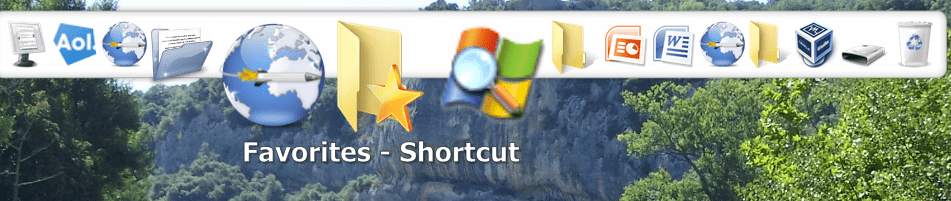
I don't know if this will help you with the keyboard shortcut (it might), but take a look at this tutorial which will help you change your target location in Windows Explorer: Windows Explorer Taskbar Icon - Change ‘Open To’ Target
My Computer
At a glance
Vista 64 bit and 32 bit (SP2)Intel(R) Core(TM)2 Duo Processor T9400 (2.53 GHz4GB DDR2 System Memory (2 Dimm)512 MB NVIDIA GeForce 9600M GT
Computer Manufacturer/Model Number
HP Pavillion dv5t (generation 1)
OS
Vista 64 bit and 32 bit (SP2)
CPU
Intel(R) Core(TM)2 Duo Processor T9400 (2.53 GHz
Memory
4GB DDR2 System Memory (2 Dimm)
Graphics Card(s)
512 MB NVIDIA GeForce 9600M GT
Monitor(s) Displays
15.4" diagonal WSXGA+ High-Definition HP BrightView Widescre
Screen Resolution
1680 x 1050
Hard Drives
320GB 5400RPM SATA Hard Drive with HP ProtectSmart Hard Drive Protection
Keyboard
Built-in HP
Mouse
Built in - Synaptics TouchPad V6.5 on PS/2 Port
Internet Speed
Max
Other Info
~ Intel Next-Gen Wireless-N Mini-card w/Bluetooth ~ Blu-Ray ROM DVD+/-R/RW ~ Integ. HDTV Hybrid Tuner ~ 12 Cell Battery ~ MS Office (Home Premium) 2007 ~