Quote: Originally Posted by
linkysys
hi im here again to ask for help, how can i remove the icons in the navigation pane(not the items but the icons), and the also I notice the start menu is colored diffrently from the taskbar, how can i make it equal with the taskbar? there is a blackish color, i want it to match with my taskbar. please help!...jpg below.
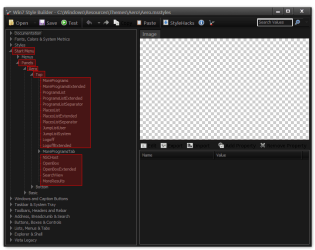
The start menu color will need to be edited at
Start Menu > Panels > Aero > Top (Highlighted in red)

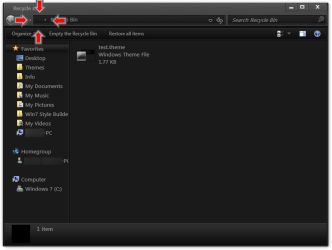
The icon in the breadcrumbs I was able to change it to a transparent .ico, I made a 256x256 transparent .ico & place it in My Doc folder.
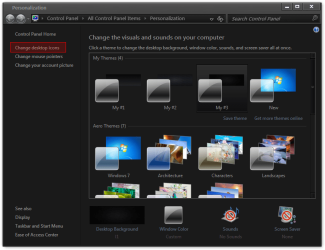
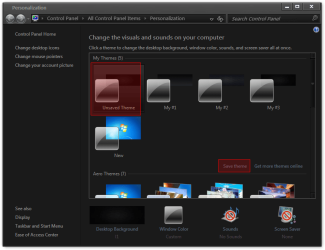
Go to Personalization>Change desktop icon

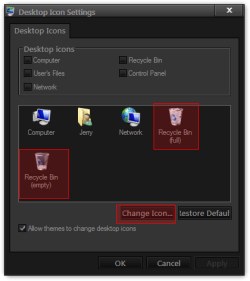
Change the Recycle bin Icons (full/empty)

Browse to the transparent .ico & click Open then OK

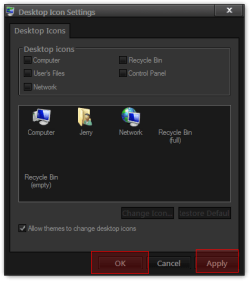
Then click Apply & OK

Then I had to Save theme for it to stay after a logoff/logon

Now Recycle bin Icons is gone.

For the navigation pane icons I do not know sorry.
Jerry