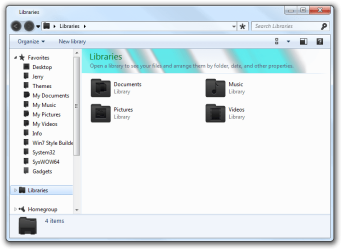
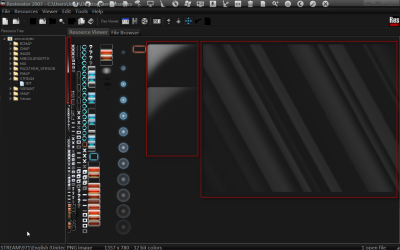
Hi acer3. If I am correct, this is the theme you are trying to apply?
Download a Theme Patcher (
Universal Theme Patcher,
UXStyle or
VistaGlazz).
Personally I use Universal Theme Patcher. So if you did it through Universal Theme Patcher,
Download it, and open the .zip. Then open the "UniversalThemePatcher_20090409" folder, and click the x64 or x86 depending on if your running 32 Bit or 64 Bit.
I am running 32 Bit so I open the x86. Select your default language and click OK. On the popup that opens click Yes. Click Patch for all 3 and Restart.
Congratulations now you can install custom themes.
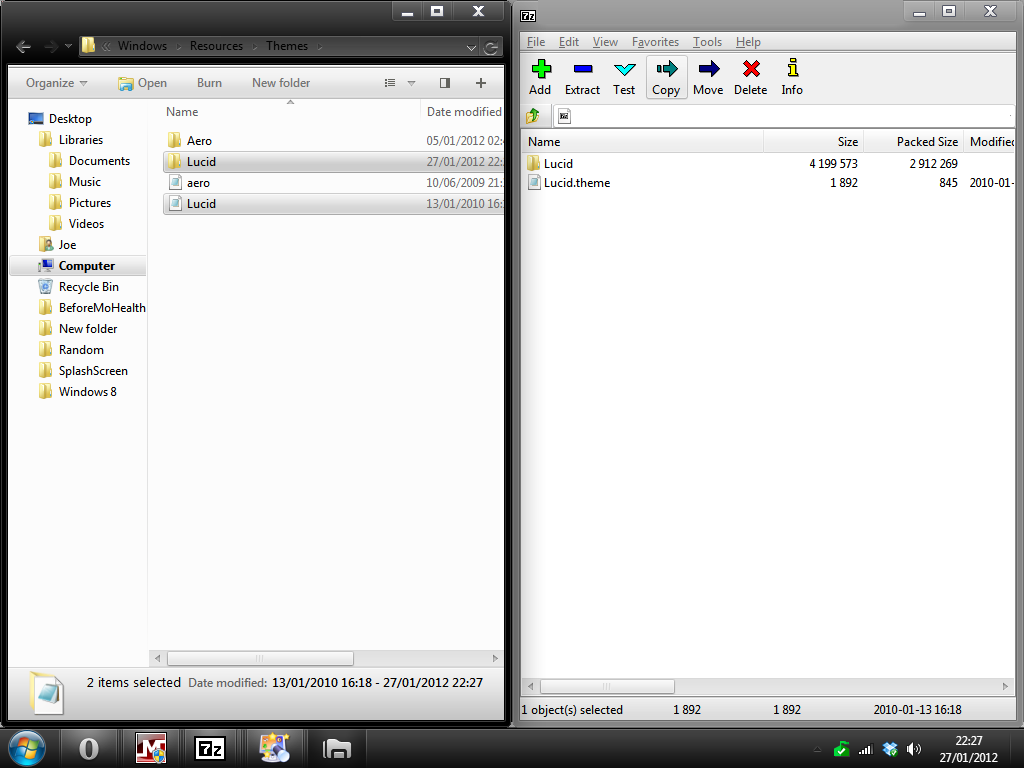
Go to DeviantArt and click download file. Open the .zip. Keep this open but open another Window to C:\Windows\Resources\Themes
Now drag both files from Lucid Msstyles zip window into the Themes Window.
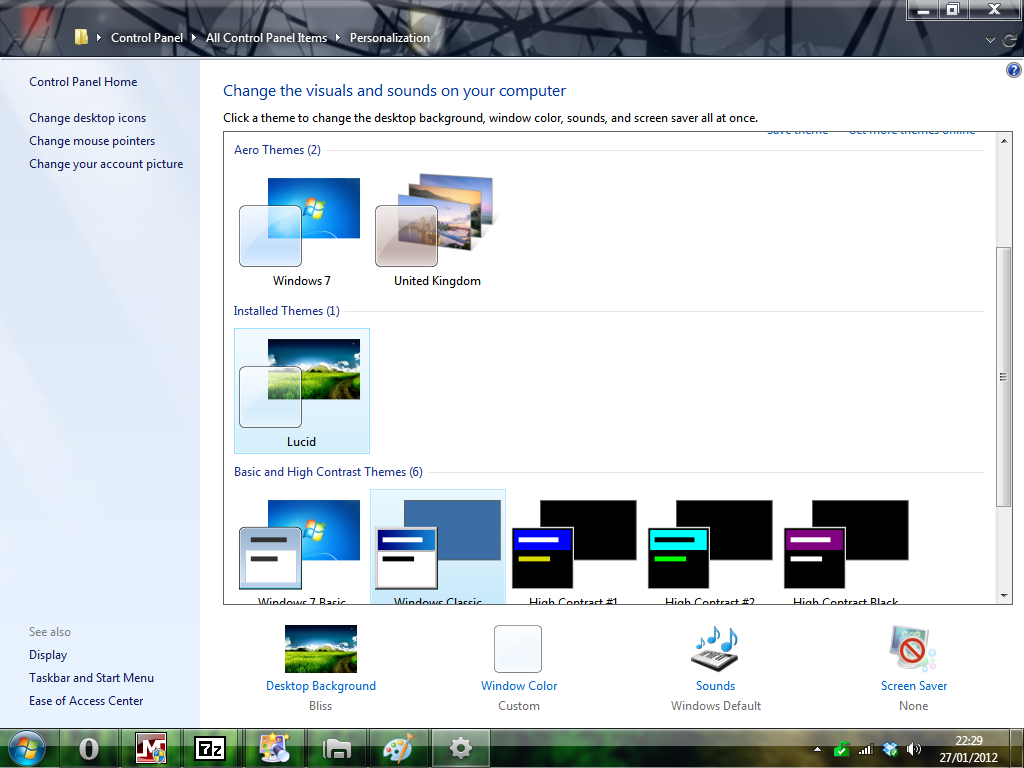
Now Right Click on the Desktop, hit Personalise and chose the new theme.