Okay, hello, this is driving me crazy so I have finally decided to sign up to these forums and ask for some help. Hi everyone.
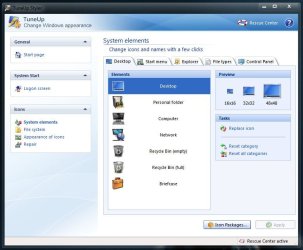
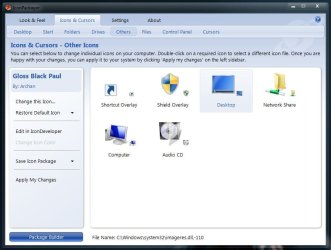
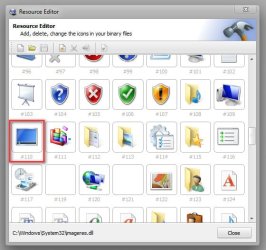
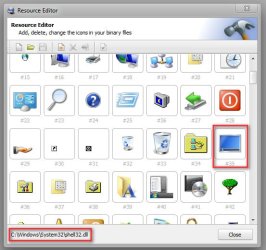
In the places bar, my Desktop icon used to look like this:

But for some reason, I changed it and it now looks like this:

Is there a way to change it back to the default or change it again to something else? I can't remember how I changed the places bar Desktop icon in the first place, and looking online didn't help since I only got tutorials on how to change the desktop icons, but not the "Desktop" icon itself.
If anyone could help, thanks a lot. Since I'm new to these forums, if I end up posting in the wrong place, I'm sorry for any trouble.
PS oh yeah, and another is the Desktop icon when using Alt+Tab

How did I even change these icons in the first place?
In the places bar, my Desktop icon used to look like this:
But for some reason, I changed it and it now looks like this:
Is there a way to change it back to the default or change it again to something else? I can't remember how I changed the places bar Desktop icon in the first place, and looking online didn't help since I only got tutorials on how to change the desktop icons, but not the "Desktop" icon itself.
If anyone could help, thanks a lot. Since I'm new to these forums, if I end up posting in the wrong place, I'm sorry for any trouble.
PS oh yeah, and another is the Desktop icon when using Alt+Tab
How did I even change these icons in the first place?
My Computer
At a glance
Windows 7 Home Premium x64
- OS
- Windows 7 Home Premium x64