

bremenpl
New member
- Local time
- 12:49 PM
- Messages
- 28
I was googling for a long time, but did not find an accurate answer...
Is it possible to change the clock font (make it bigger actually) without installing any widgets, skins etc?
Is it possible to change the clock font (make it bigger actually) without installing any widgets, skins etc?
My Computer
At a glance
Windows 7 Professional 64 bit
- Computer Manufacturer/Model Number
- Dell Latitude e6520
- OS
- Windows 7 Professional 64 bit

 !
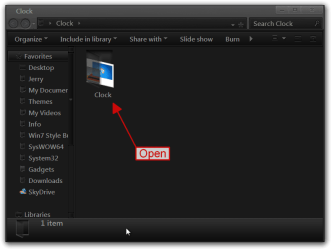
!
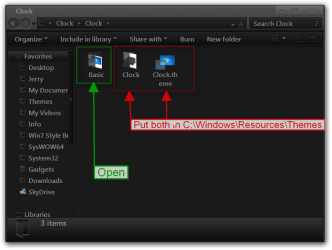
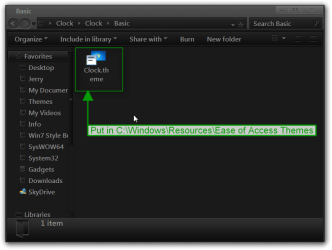
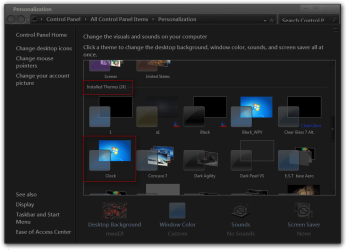


 .
.

