Hello guys
I have upgraded from windows vista x86 to windows 7 x64 (actually not upgraded, Fresh install) and now I don't have any DVD-RW icon in my computer under the "Devices with removable Storage"
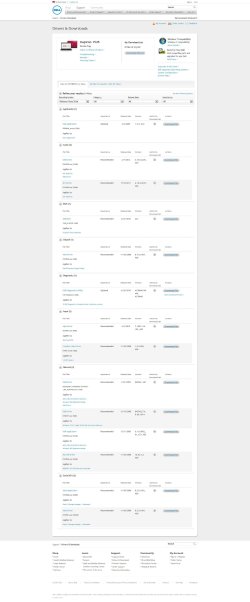
I searched the internet and I found this link PLDS and TSST DVDRW Drives Not Found in Windows 7 | Dell
and now i'm stuck on which of them should I choose.
Any help would be appreciated.
Thank you.
I have upgraded from windows vista x86 to windows 7 x64 (actually not upgraded, Fresh install) and now I don't have any DVD-RW icon in my computer under the "Devices with removable Storage"
I searched the internet and I found this link PLDS and TSST DVDRW Drives Not Found in Windows 7 | Dell
and now i'm stuck on which of them should I choose.
Any help would be appreciated.
Thank you.
My Computer
At a glance
Windows 8 RTM Professional X64Intel Core 2 Duo E8400 3.0GHz4GB OCZEVGA GTX 275
- OS
- Windows 8 RTM Professional X64
- CPU
- Intel Core 2 Duo E8400 3.0GHz
- Motherboard
- Gigabyte EP43-DS3
- Memory
- 4GB OCZ
- Graphics Card(s)
- EVGA GTX 275
- Monitor(s) Displays
- Samsung SyncMaster T200
- Screen Resolution
- 1680x1050
- Keyboard
- Logitech
- Mouse
- Logitech