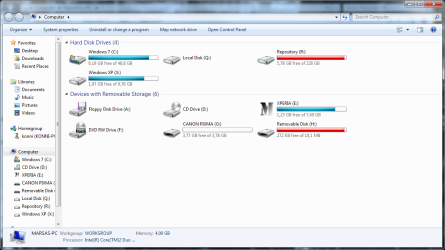
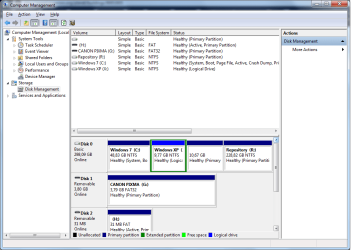
Is the problem you're referring to the fact that the partition is showing up in red because it is too full?
If this is the case, move some data out.
If you'd like to delete or repartition, then please post back a screenshot of Disk Managment drive map and listings (type Disk Management in Start Search box) using the Snipping Tool in Start Menu. Tell us exactly what you would like to do and we will advise you the steps.