Hi...
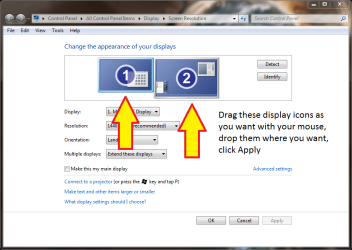
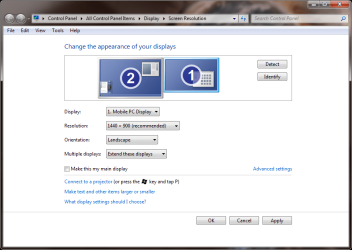
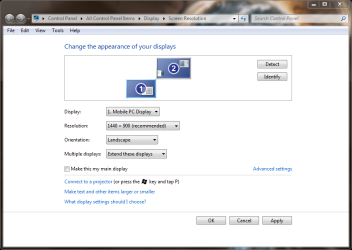
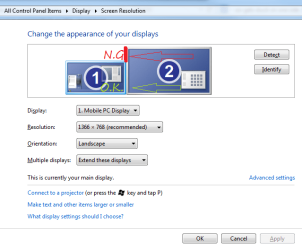
I am currently using 2 screens (laptop and external monitor.) The set up is that the external screen is my main screen with my laptop sitting next to it on the right hand side. I have noticed I have to move the mouse to the left of the external screen to get it onto the laptop screen. Not a major drama, but slightly frustrating!
I know the logical solution would be to relocate the laptop to the left hand side of my desk.... but I can't as the fixed data cable is not long enough (it runs through a wall). If anyone has any ideas, would be greatly appreciated.
Thanks
I am currently using 2 screens (laptop and external monitor.) The set up is that the external screen is my main screen with my laptop sitting next to it on the right hand side. I have noticed I have to move the mouse to the left of the external screen to get it onto the laptop screen. Not a major drama, but slightly frustrating!
I know the logical solution would be to relocate the laptop to the left hand side of my desk.... but I can't as the fixed data cable is not long enough (it runs through a wall). If anyone has any ideas, would be greatly appreciated.
Thanks
My Computer
At a glance
Windows 7
- OS
- Windows 7