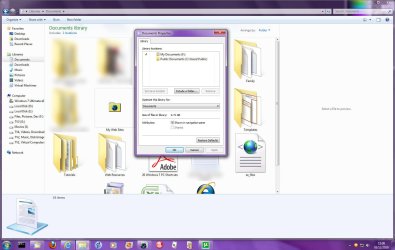
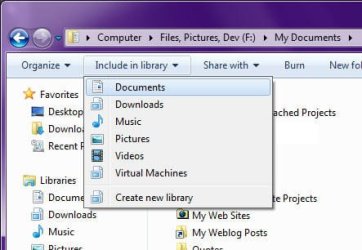
So Yesterday I Tried To Open My Document Library To Access A School Report I Double Clicked On The Library And It Wouldn't Open So I Went To The Navagation Pane And Clicked And Nothing, Luckily MY Doucuments Still Open So I Was Still Able To Access My Report But It Bothers Me That The Library Dosn't Open
My Computer
At a glance
Windows 7 Home Premium 32bit
- Computer Manufacturer/Model Number
- Dell Inc. Dimension e510
- OS
- Windows 7 Home Premium 32bit
- PSU
- Antec
- Keyboard
- Logitech MK300
- Mouse
- Logitech MK300