
I discovered a week or so ago that some of my desktop images had changed but as weird things tend to happen when using windows I didn't think too much about it until I tried to run one of the games whose icon had changed. A message appeared saying the the file 'something.exe' has moved or is missing and can't be started.
I have searched for the file (which later ended up being files ) using the start menu search and all that appears is the now broken desktop icon. My .exe files are just gone. Unfortunatley a game that I had worked hundreds of hours on modding has also vanished. My entire nwmain.exe file is gone as is countless downloads for the Neverwinter Nights game and expansions. I've done a restore to before this happened but to no avail. Any ideas? Sorry if this has been posted before, I did look but after a while I stopped looking as it didn't look to be a recent problem.
I have searched for the file (which later ended up being files
) using the start menu search and all that appears is the now broken desktop icon. My .exe files are just gone. Unfortunatley a game that I had worked hundreds of hours on modding has also vanished. My entire nwmain.exe file is gone as is countless downloads for the Neverwinter Nights game and expansions. I've done a restore to before this happened but to no avail. Any ideas? Sorry if this has been posted before, I did look but after a while I stopped looking as it didn't look to be a recent problem.My Computer
At a glance
Windows 7 Pro X64
- OS
- Windows 7 Pro X64


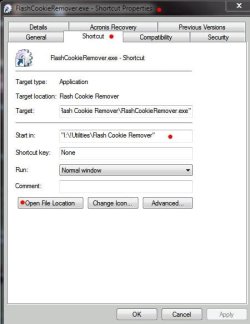


 I was hoping for a quick fix lol. I did the scans for malware like you suggested anyways and nothing came up. I do have a couple things in quarantine in my AVG vault however, though when I looked at the files a while back they didn't seem to be from anything to do with the files that are currently missing. I'll take another look. Anything else I should try?

 Thanks again for all the help! It does seem like these forums have some great people! I'll be back for more...


