dumborambo
New member
- Local time
- 1:57 AM
- Messages
- 19
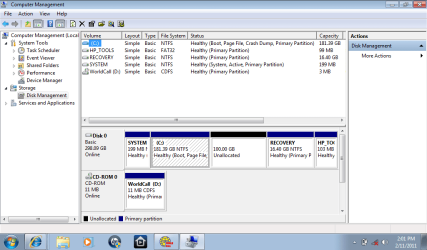
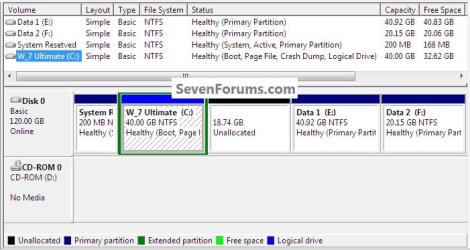
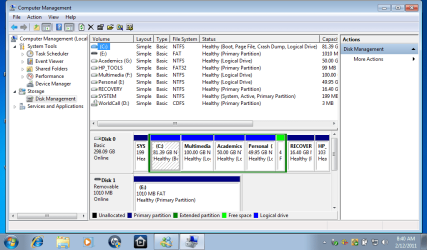
I have purchase new hp laptop with hard drive 320gb. There is two partition, that contain windows and recovery. I want partitioning of C almost 100gb. while partitioning there is problem, "C" is shrink to make unallocated volume .when this unallocated volume is used to make new drive, the problem persist showing that :
"The operation you selected will convert the selected disk to dynamic disk. if you convert the disk to dynamic, you will not be able to start installed operating system from any volume on the disk (except the current boot volume). are you sure you want to continue?"..... when i click yes.... another window appear showing that...
"Dynamic disk are not supported by this operating system or server configuration . dynamic disks are not supported on clusters."
how ever my all disks are labelled as "BASIC". please help me and guide me with the proper procedure
"The operation you selected will convert the selected disk to dynamic disk. if you convert the disk to dynamic, you will not be able to start installed operating system from any volume on the disk (except the current boot volume). are you sure you want to continue?"..... when i click yes.... another window appear showing that...
"Dynamic disk are not supported by this operating system or server configuration . dynamic disks are not supported on clusters."
how ever my all disks are labelled as "BASIC". please help me and guide me with the proper procedure
My Computer
At a glance
windows 7 starter 32 bit
- OS
- windows 7 starter 32 bit