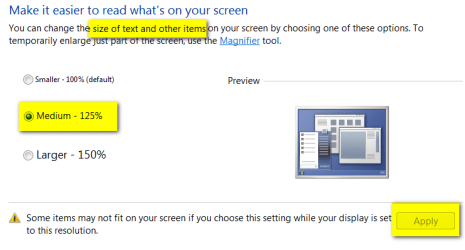
Please help. I am using large lcd tv and made my font size 500%. Now all menus are too big to use
And I can't change it back. I can't see the bottom of the menu to get back to the choice to change font size. I can't scroll down where it matters to change back. Is there any command to open font size dialog box? Do I restore to previous state? Ughhh.........annoying.
And I can't change it back. I can't see the bottom of the menu to get back to the choice to change font size. I can't scroll down where it matters to change back. Is there any command to open font size dialog box? Do I restore to previous state? Ughhh.........annoying.
My Computer
At a glance
W7 ultimate x64
- OS
- W7 ultimate x64