CyberCriminal
Noob
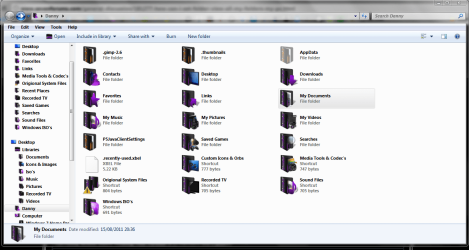
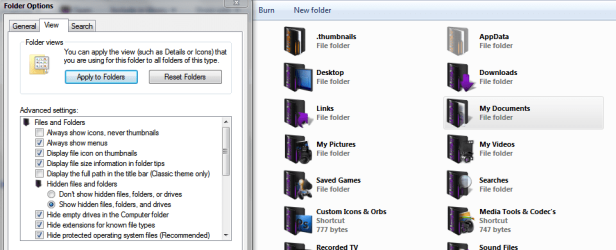
By default my folders are displaying in LIST format... I want to set all my folders in 'TILES' format permanently.
I read many tuts on this forum... but couldn't find the tut what I need.
I read many tuts on this forum... but couldn't find the tut what I need.
My Computer
- Computer Manufacturer/Model Number
- Dell Inspiron 15R
- OS
- Windows 7 Ultimate x86
- CPU
- Intel i3
- Motherboard
- Intel
- Memory
- 3 GB
- Graphics Card(s)
- ATI
- Screen Resolution
- 1366x768
- Hard Drives
- Segate
- Keyboard
- Dell
- Mouse
- Dell
- Internet Speed
- 1 Mbps