Hi guys !
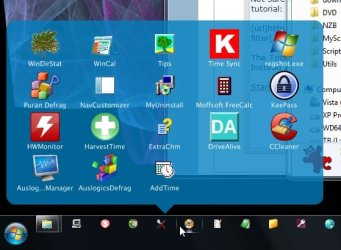
Since I have my 2nd screen attached to my computer, I cannot place icons to the most bottom of my screen..Only just above it :/
When I disable Align to grid, I can place my icons on the most bottom of my screen. but that's not a solution...
I tried different settings with my resolution , not worked :s
Anyone that can help ?
THANKS
Since I have my 2nd screen attached to my computer, I cannot place icons to the most bottom of my screen..Only just above it :/
When I disable Align to grid, I can place my icons on the most bottom of my screen. but that's not a solution...
I tried different settings with my resolution , not worked :s
Anyone that can help ?
THANKS
My Computer
At a glance
Windows 7 Ultimate x64
- OS
- Windows 7 Ultimate x64