Chris Gregory
New member
- Local time
- 7:26 PM
- Messages
- 2
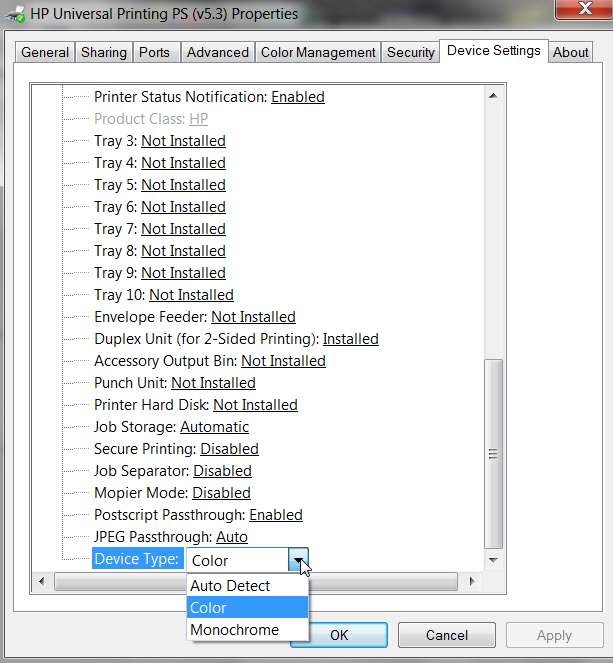
I have Windows 7 Home Premium and an HP930c printer. One day last week I selected the black and white option when printing a document. I have never done this before. Although I have checked that the colour option is now selected, I just cannot get a document or test page to display any colour. I have tried two brand new HP original cartridges. I believe the problem must relate to the pc, as opposed to the printer, since the printer was working fine until I opted to print in black and white. There must be another box to tick somewhere, perhaps?
My Computer
At a glance
Windows 7 Home Premium
- OS
- Windows 7 Home Premium