Am new to Windows 7 having used XP Home for many years, and it's quite a lot different in the way things are done but am getting there slowly.
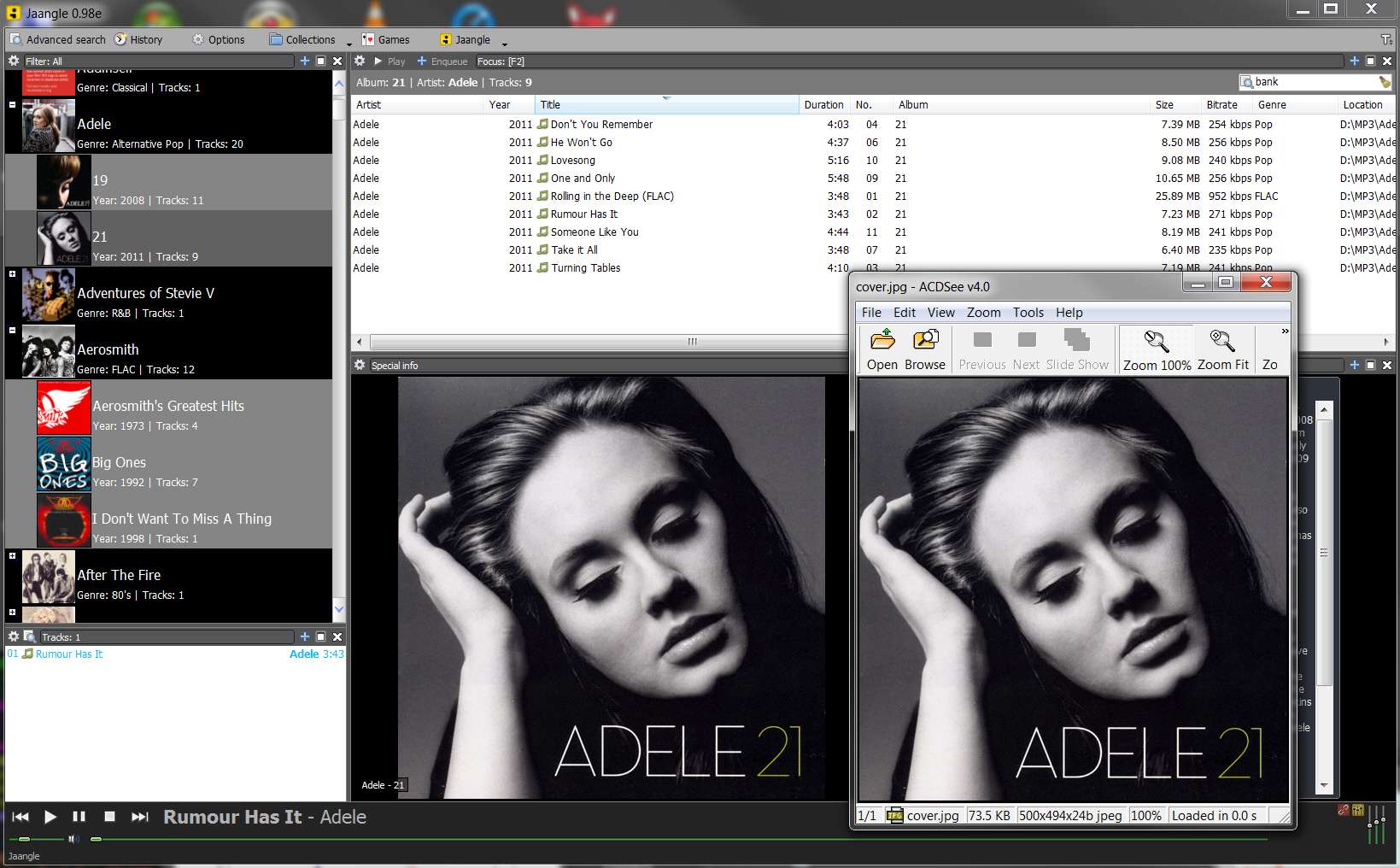
Have heard of and discovered the inbuilt "Snipping Tool" and have saved a screenshot to one of my directories.
Now when l create a post, like this one for example, how do l insert the screenprint
<say here>
so that others can see it?
Must admit that l have never done this before.
Thanks
Have heard of and discovered the inbuilt "Snipping Tool" and have saved a screenshot to one of my directories.
Now when l create a post, like this one for example, how do l insert the screenprint
<say here>
so that others can see it?
Must admit that l have never done this before.
Thanks
My Computer
At a glance
32bit Windows 7 UltimateAMD Athlon II X2 250 dual core4 x 1GB dual channel DDR3 @587MHz (7-7-7-20) ...Built in ATI graphics
- Computer Manufacturer/Model Number
- Home Built System
- OS
- 32bit Windows 7 Ultimate
- CPU
- AMD Athlon II X2 250 dual core
- Motherboard
- MSI 760GM-E51
- Memory
- 4 x 1GB dual channel DDR3 @587MHz (7-7-7-20) Crucial Ram
- Graphics Card(s)
- Built in ATI graphics
- Sound Card
- Sound Maker Value 5.1
- Monitor(s) Displays
- Acer P224W
- Screen Resolution
- 1680 x 1050
- Hard Drives
- 2 x 500gb Samsung HD502HJ Sata
- PSU
- Heden 480W ATX V2.2
- Case
- ATX Tower
- Cooling
- n/a
- Keyboard
- Logitech hard wired Qwerty Keyboard
- Mouse
- Microsoft Basic Optical hard wired
- Internet Speed
- ADSL Av.download - 2.10Mb/s Av.upload - 0.14Mb/s
- Other Info
- Matshita DVD-ROM SR-8584A
TSSTcorp CDDVDW SH-S202N