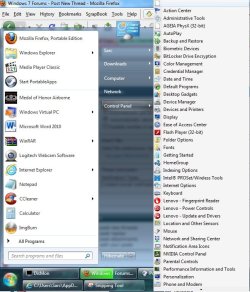
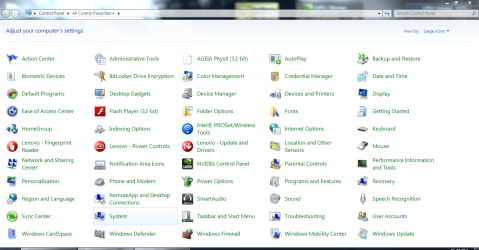
Just a couple of follow up questions, Sarc. Have you recently uninstalled anything from your computer that might have left behind this blank icon? If you hover your cursor over the icon does it give any information in a popup? When you say you clicked on the icon was that a right click? Have you rebooted your computer since this icon first appeared? Have you run a full system scan with your antivirus and antispyware of choice? Have you run any other free on-demand scanners like Malwarebytes, Superantispyware, HitmanPro, Comodo Cleaning Essentials, etc?
You could try rebuilding your icon cache:
Icon Cache - Rebuild
You could also run a System File Checker scan to see if there are any damaged or corrupt system files. If problems are noted run the scan 3 times rebooting in between each scan.
SFC /SCANNOW Command - System File Checker
If none of the above helps you could try a system restore and return your computer to a date/time prior to when the icon first appeared.

Warning
System restore will uninstall any programs or
drivers that were installed
after the date of the selected restore point.
System Restore