Quote: Originally Posted by
Phantasma14
C:\Users\*******\AppData\Local\Google\Chrome\Application\chrome.exe
C:\Users\*******\AppData\Local\Google\Chrome\Application
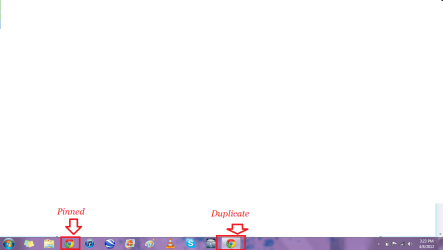
Are the target and start in for the pined icon, it does not give any information like that in the second, duplicate icon
Try this as a solution. Open Google Chrome, then select the wrench in the upper right hand corner, from the ensuing list choose About Google Chrome. This will update to the latest version, which is; 180.1025.151. After confirming you have the latest version, unpin the icon from the taskbar and then add it again. If that corrects the problem, you're done.
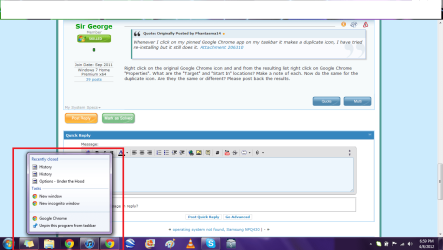
If no joy, try this as the next solution. Open up the program, so that you have duplicate icons. Then right click the duplicate icon (the new one) and click
Pin this program to taskbar. Next, right click the original and select
Unpin this program from taskbar.
Let me know how it goes.