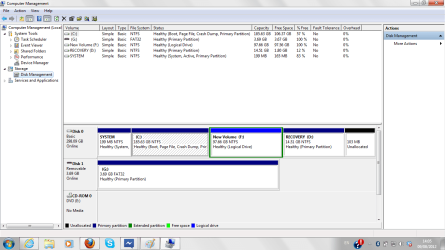
If you're looking to partition your HDD so you can keep your OS on one partion and your other files (documents, music, videos, or whatever arrangement you want on the other), there are a couple free softwares i've used to successfully partition my HDD that do it fairly easily and are fairly user-friendly.
If you Google "partition software" you'll find a couple. Some free, some not. But one I've been using lately is Easus Master Partition. I used this one recently to set my OS on the main partition, and my music on another, and work related documents on another. All regularly backed up of course.
As a safe/general rule of thumb, make sure that when you do partition your HDD, you make sure to create the free/unallocated space AFTER your main OS partition.
But if you don't feel like trying out new software and are really looking for a step-by-step guide, check out this tutorial here:
Partition or Volume - Create New.
(Note: you do have the potential of ruining your hard drive and messing everything up. Make sure to read everything. Just a forewarning)