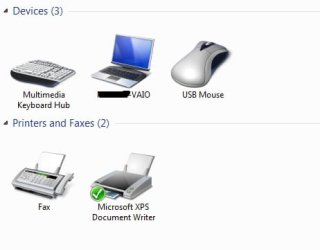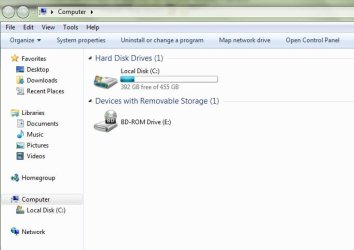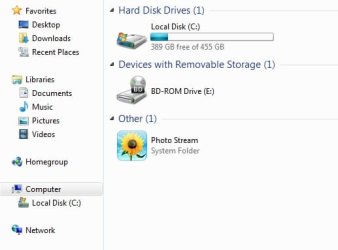
My Computer
At a glance
Windows 7 Home Premium x64
- OS
- Windows 7 Home Premium x64


 im not succesful removing it. anyway better to leave it . its just annoying to see... but the important is it not harm my computer.

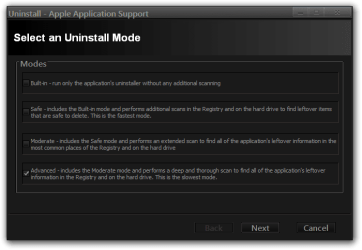
 THANKS Puffin youre a genius!! i try this and it works fast.. very nice and sexy! now my my computer folder is clean.
 Use regedit to delete the key HKEY_LOCAL_MACHINE\SOFTWARE\Microsoft\Windows\CurrentVersion\Explorer\MyComputer\NameSpace\{F0D63F85-37EC-4097-B30D-61B4A8917118}
You can optionally search the whole registry for F0D63F85-37EC-4097-B30D-61B4A8917118 and delete anything appropriate - it's all Photostream gunge.