Hello!
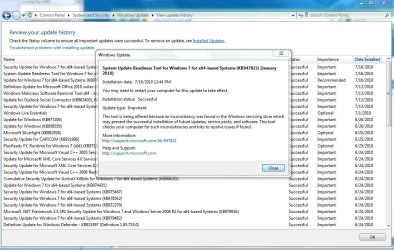
I recently bought a HP laptop running Windows 7. In a nutshell, I cannot effectively shut the computer down, and Windows updates do not install properly. When I try to shut down, the computer just spins for ages and eventually goes blank. Then, I have to select "start in safe mode" and shut down from there.
Has anybody else experienced this problem? Any advice on how I can fix this issue would be most welcome.
Greetings from Toronto,
ChasssTO
I recently bought a HP laptop running Windows 7. In a nutshell, I cannot effectively shut the computer down, and Windows updates do not install properly. When I try to shut down, the computer just spins for ages and eventually goes blank. Then, I have to select "start in safe mode" and shut down from there.
Has anybody else experienced this problem? Any advice on how I can fix this issue would be most welcome.
Greetings from Toronto,
ChasssTO
My Computer
At a glance
windows 7
- OS
- windows 7