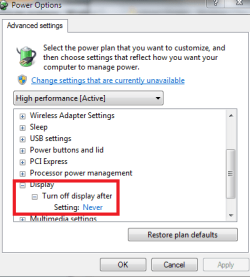
Hello i have problems with computer, it sometimes suspends(monitor turns off), i think that it can be psu, graphic or hard drive. Can you tell me if these voltages are ok?

My Computer
At a glance
7e5200Kingston 3x1 ddr2 6674830
- Computer Manufacturer/Model Number
- rtm
- OS
- 7
- CPU
- e5200
- Motherboard
- p43de 1.6
- Memory
- Kingston 3x1 ddr2 667
- Graphics Card(s)
- 4830
- Sound Card
- audigy se
- Monitor(s) Displays
- dell 22
- Screen Resolution
- native
- Hard Drives
- seagate ST00418AS
- PSU
- carbon 430w
- Case
- 6-years old
- Cooling
- stock
- Keyboard
- a4tech
- Mouse
- a4tech
- Internet Speed
- 2mb