Quote: Originally Posted by
Zidane24

Quote: Originally Posted by
aem
Nevermind trying to solve this....for some reason, the black screen became visible with wallpaper when using screensaver. This is new to me lol.
Because this is by design in Windows 7 to only have one screen visible during lock-mode.
There is no reason to have both monitors active to type in your password and continue\log back in. This is energy efficient and makes complete sense. If you need TWO MONITORS to log in to/continue using the workstation than I would seek medical assistance...
Honestly I don't see what is so hard to understand here
...and if you don't like that than as you have made it known, XP does what you wanted so stick with it
I have been searching the Internet (mainly using Google) to learn to "tweak" Windows 7 both at home and at work. Most of the good "solutions" that I have found have come from SevenForums.
In WinXP you could set your desktop background to "extend" across both displays. So, if I have two monitors at 1280x1024 resolution, I could take an image that is 2560x1024 and "tile" it across both displays. I could also do this for the login or lock screen by adding the path to the "Wallpaper" string in the registry (HKU\.DEFAULT\Control Panel\Desktop|Wallpaper). When you lock your screen or log off your 2560x1024 image would display. I would use the same image for my desktop and the login/lock screen. That way it would appear as though the background had not changed.
Zidane24, you state above that "
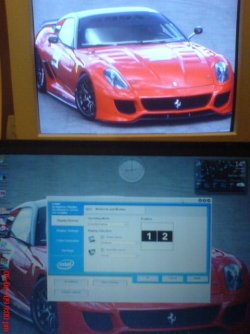
There is no reason to have both monitors active to type in your password and continue\log back in. This is energy efficient and makes complete sense." Actually, even though Windows 7 is displaying the login background on one display, BOTH displays are still active and turned ON. Kari actually pointed this out and I looked at my second monitor in lock mode and, sure enough, the little green light is still on. How is that energy efficient?
I too would like an image capable to be shown on ALL of my monitors as it was in WinXP. Why stick with WinXP when Windows 7 is supposed to be better? One of the major concepts behind Windows and the improvement of Windows is the aesthetic appeal. To me, MS may have nerfed what was a cool feature. I say "may have" because I intend to continue to search to find a solution.