Please
see this other particular post of mine in another thread, which may provide a solution to your problem, although the problem definition isn't all that clear to me yet. That other thread contains pictures, "recipe steps", etc., and at the end the problem was solved. You can look before and after the particular post I'm pointing to, for more insights, screenshots, etc., all of which should be helpful and informative in your current network printing situation.
Again, that story like yours involved a replaced computer, and things that used to work before (i.e. printing to a USB-connected printer from other computers on the network no longer "worked") and a need to fix things that had "broken" as a result of the new machine getting installed.
The very possible key to the problem is that the "workgroup" for all of the networked computers needs to be the same on all computers in the network, if resources are to be "shared" among them. The default workgroup name in Win7 is almost certainly not what you've got in place for your existing computers (which were probably configured previously by a "network department person").
So the new computer needs to also be configured, so that it is part of the same "workgroup" as all of the other computers on the network.
Also, you mention "network printers" but that can be either of two connection notions: (1) Ethernet cable connecting a TCPIP-enabled printer directly to the router, making it available by IP address from any computer on the same router-controlled netowrk, or (2) USB-connected to one computer on the network, with that printer set up as "shared" and thus available for printing through the "host/server" computer from every other client computer on the network.
This latter approach, which is very common, requires proper setup of "shared" printer and driver on the "host/server", and proper network configuration on the client machines to access the "shared" printer on the host machine.
You haven't really described your problem in much detail, but that post of mine in the other thread may be usable "as-is" to solve your problem.
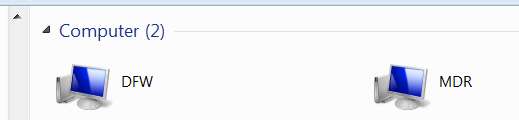
(1) You need all computers on the network to be in the same "workgroup". Start -> right-click on Network, to see your current "network view" within your workgroup:
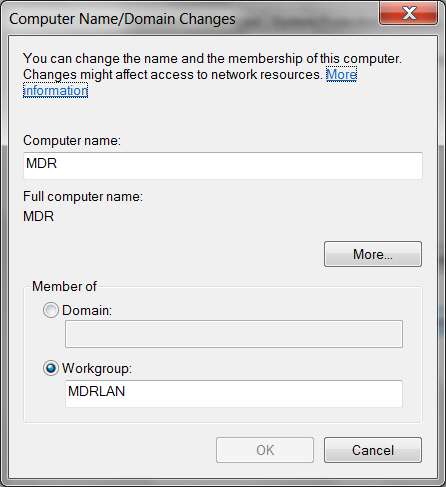
You need each computer on the network to have its own unique "machine/computer name" on the network. If they are not unique, change them. Same with the workgroup name: if they are not the same, change them on each computer so that the workgroup for all of them IS the same. Push the CHANGE button and enter the values as appropriate:
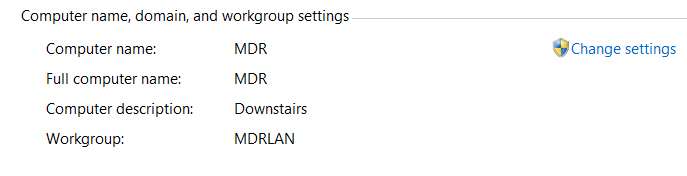
Start -> right-click on Computer, select Properties, and then show the portion dealing with computer name and workgroup name:
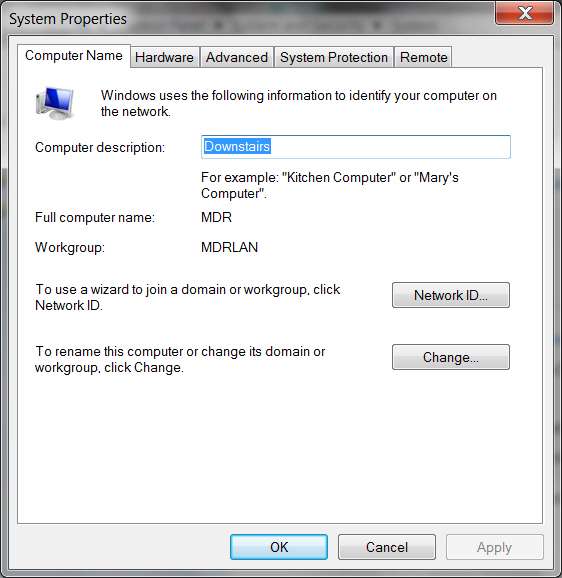
Click on the "Change settings" link on the right, to get the System Properties window where you can then make your changes.
Push the "change"button, to change this information. You will then get the Computer name/domain and workgroup name changes screen:
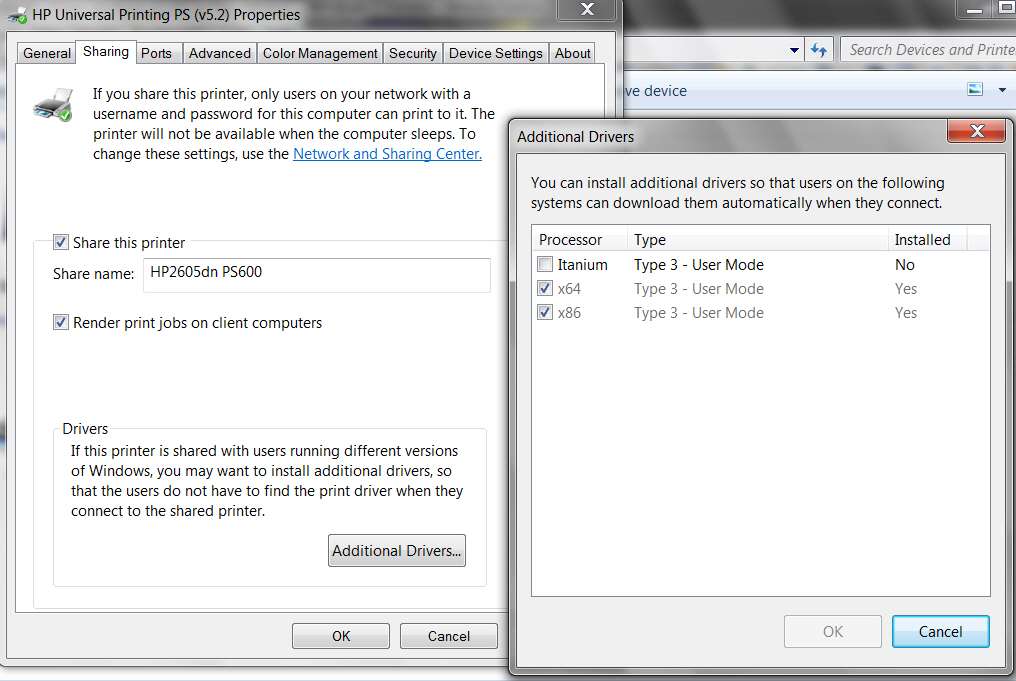
Each USB-connected printer must have "share this printer" specified in its own local setup for that printer. Start -> devices and printers, select your USB-connected printer on the machine to which it is locally connected, right-click and select Printer properties and then the Sharing tab:
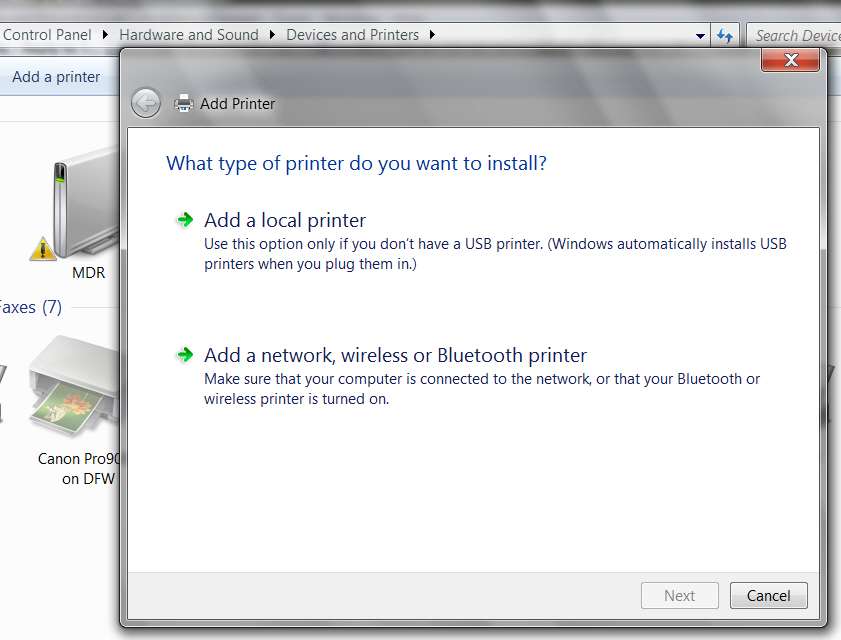
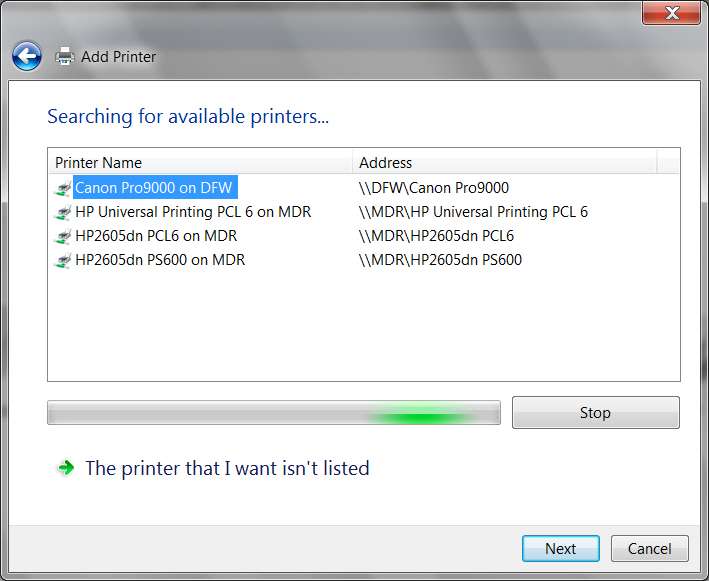
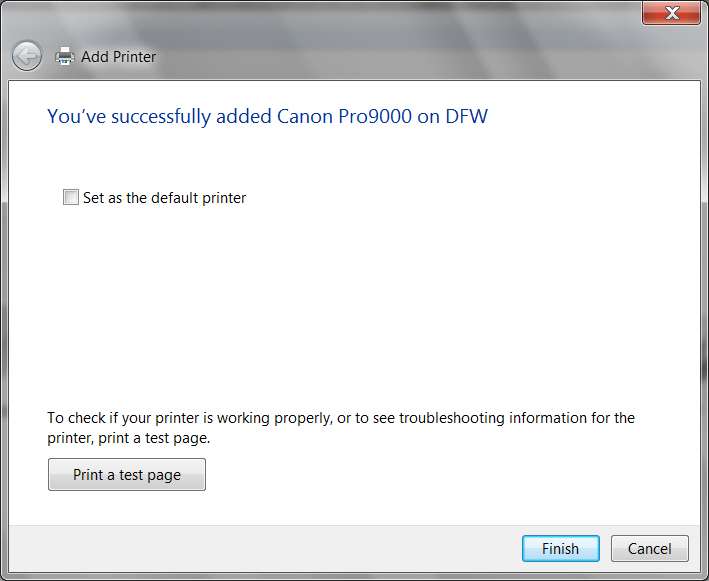
Each client computer on the network needs to go through the "ADD PRINTER" dialog, and then follow the "network, Bluetooth, or wireless" printer wizard. You will be able to "see" all "shared" printers on the other host computers on the network, and you simply need to select the printer you want to "add" and push the NEXT button in Win7 to complete the process. With WinXP once you select the desired "shared" printer to add, you right-click and select "Connect...". Same result.


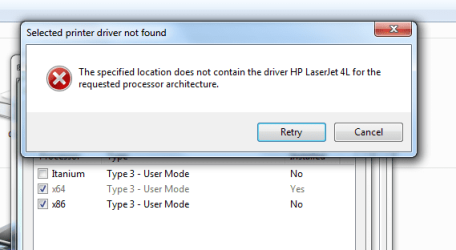
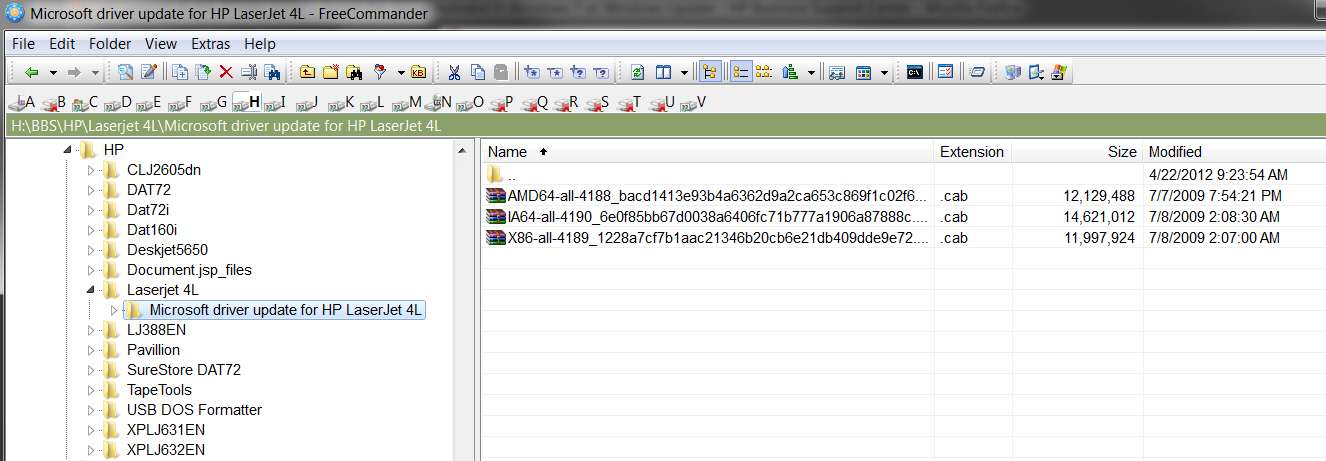
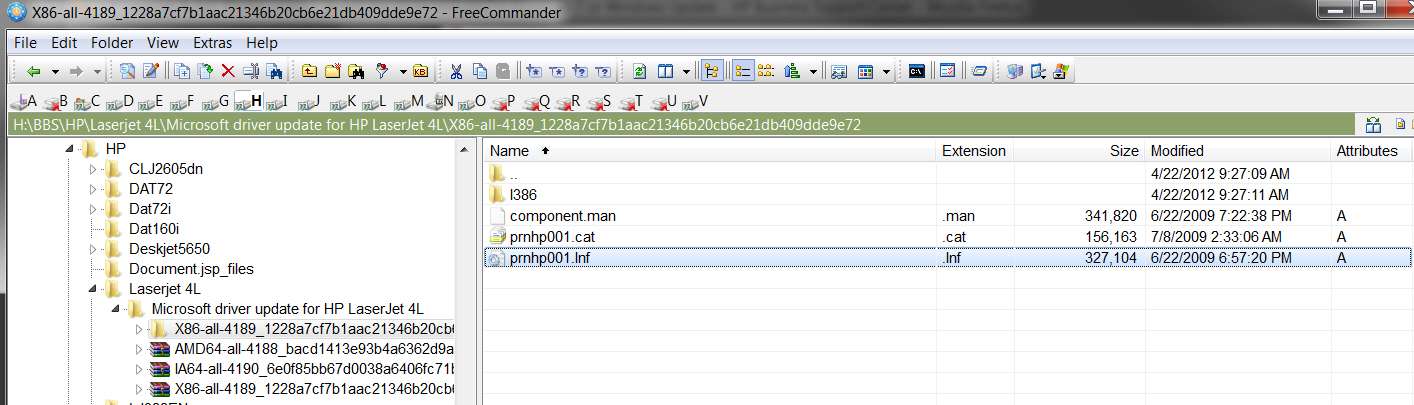
Back at the host machine with the USB-connected printer, if it is a 64-bit Win7 system then 64-bit printer drivers got installed. If there are only 64-bit client machines on the network that want to make use of that "shared" printer, there's no problem. But if there are 32-bit (e.g. WinXP) client machines that want to print on this USB-connected printer hosted by a 64-bit Win7 system, you need to "ADD ADDITIONAL DRIVER" to that 64-bt printer definition, adding a second 32-bit version in addition to the already installed 64-bit version. Now the host system can "ship" the proper printer driver to the client computer at "connect time", providing support for both 32-bit and 64-bit clients.
Enough for this preview.
If you can specify with more detail what your network and devices look like, and what you were doing before the machine got replaced, or how what I've already said above or in that other post might actually let you solve your own problem now... please do.