- Local time
- 1:14 AM
- Messages
- 32
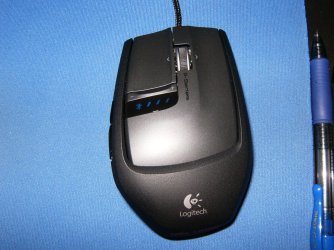
Having a few problems with my Saitek GM3200 mouse after working fine for some time its now started to go to sleep during the game I have checked my usb ports and all the ports are free and open none ticked to let computer send to save power and send to sleep. The only way I can get it back working is to unplug from usb wait about 10 seconds and then plug back in. I have downloaded new drivers for mouse to see if that will cure problem but its still there. All other devices plugged in to same usb port work fine. Regards
In advance anticipation of any suggestions Many Thanks.
Regards In advance anticipation of any suggestions Many Thanks.
My Computer
At a glance
Windows 7 64 BitIntel i5 750 Overclocked 4ghz4 gig 1333mhz DDR3Ati 5770 X 2 Crossfire
- Computer Manufacturer/Model Number
- Aria Pc Gladiator Asgard
- OS
- Windows 7 64 Bit
- CPU
- Intel i5 750 Overclocked 4ghz
- Motherboard
- Gigabyte P55A-UD3
- Memory
- 4 gig 1333mhz DDR3
- Graphics Card(s)
- Ati 5770 X 2 Crossfire
- Sound Card
- On Board
- Monitor(s) Displays
- Samsung Syncmaster 226bw
- Hard Drives
- Samsung 1tb 32mb Cache
- PSU
- OCZ 600W
- Case
- Zigmatac
- Cooling
- Titan Fenrir V2


 Hope it stays that way thanks for your guidance with this problem.