| Windows 7: question when swapping hard drives to a new pc. |
11 Oct 2011
|
#1 | | WINDOWS 7 ULTIMATE SP1 64-BIT NYC |
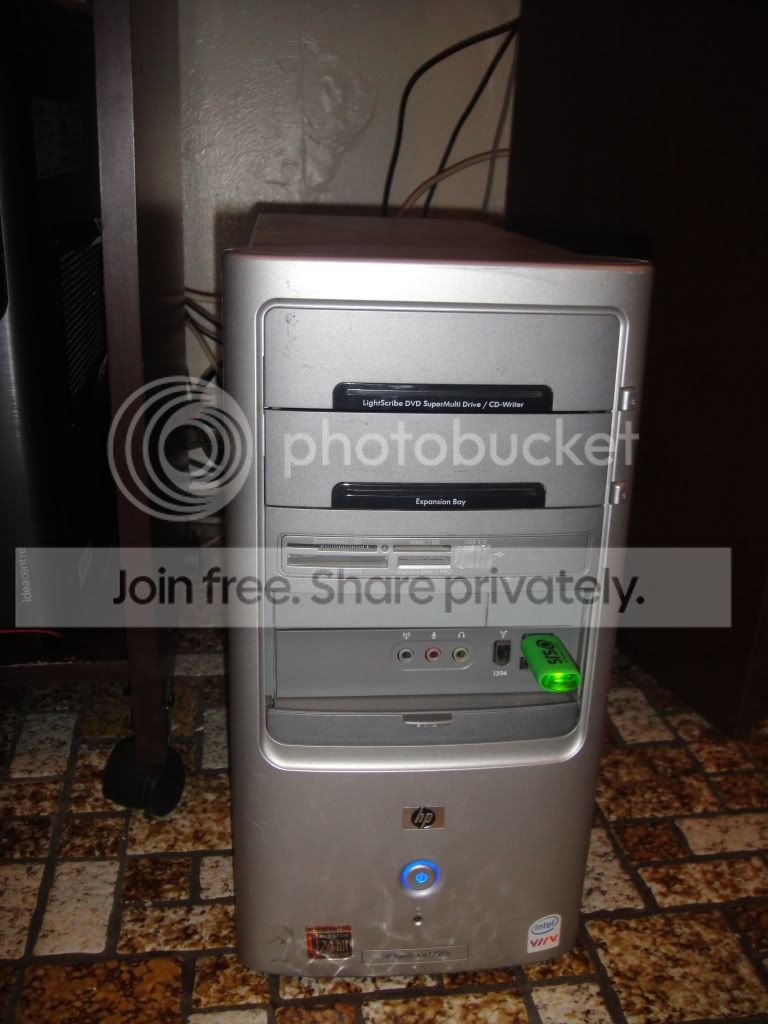
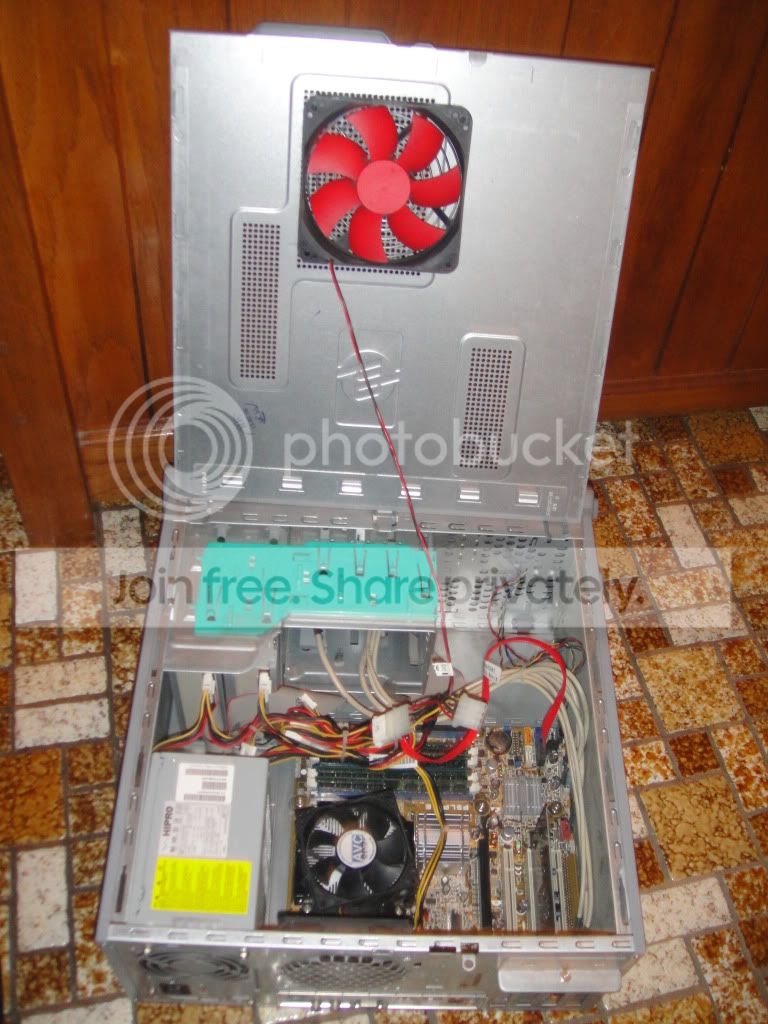
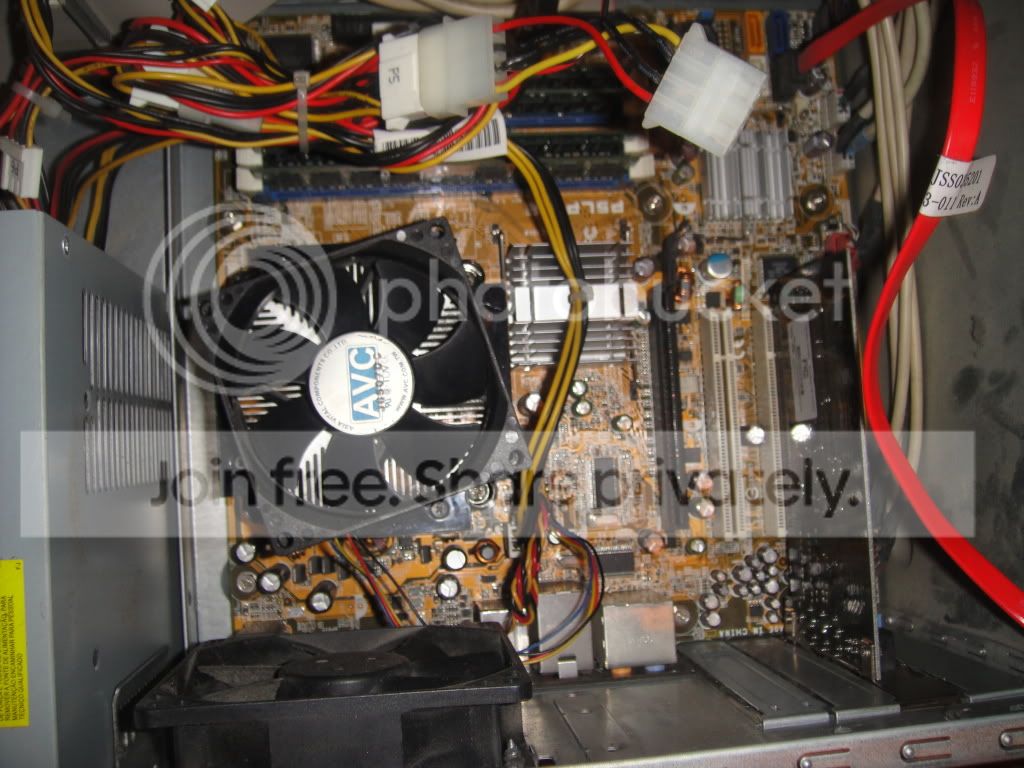
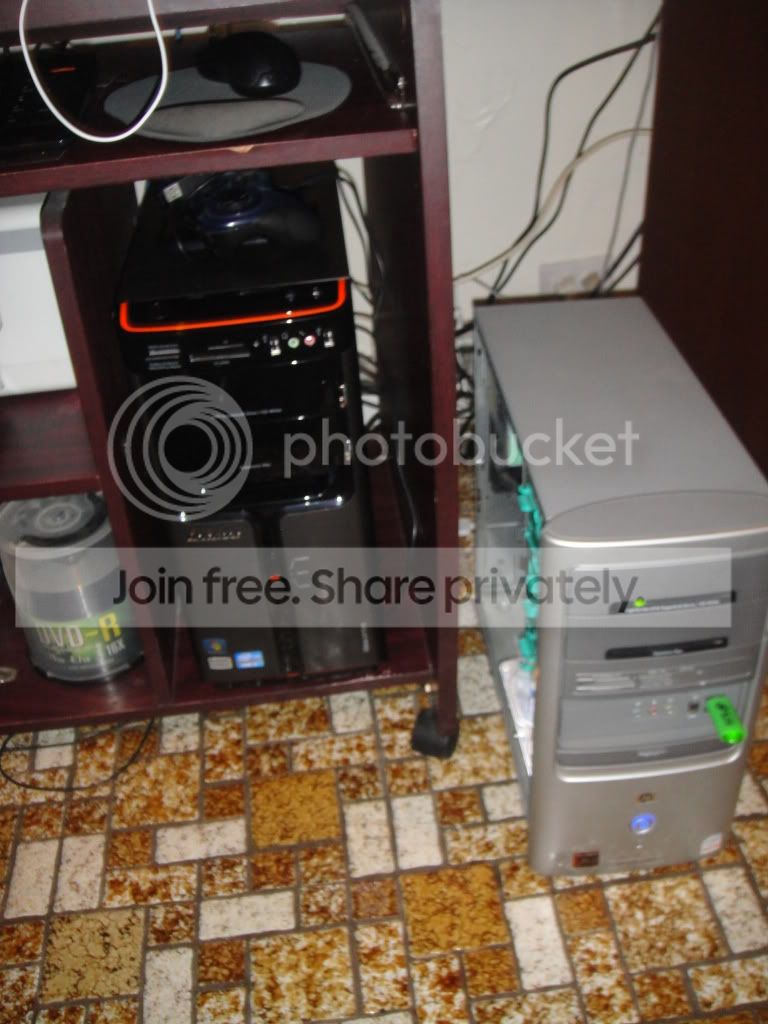
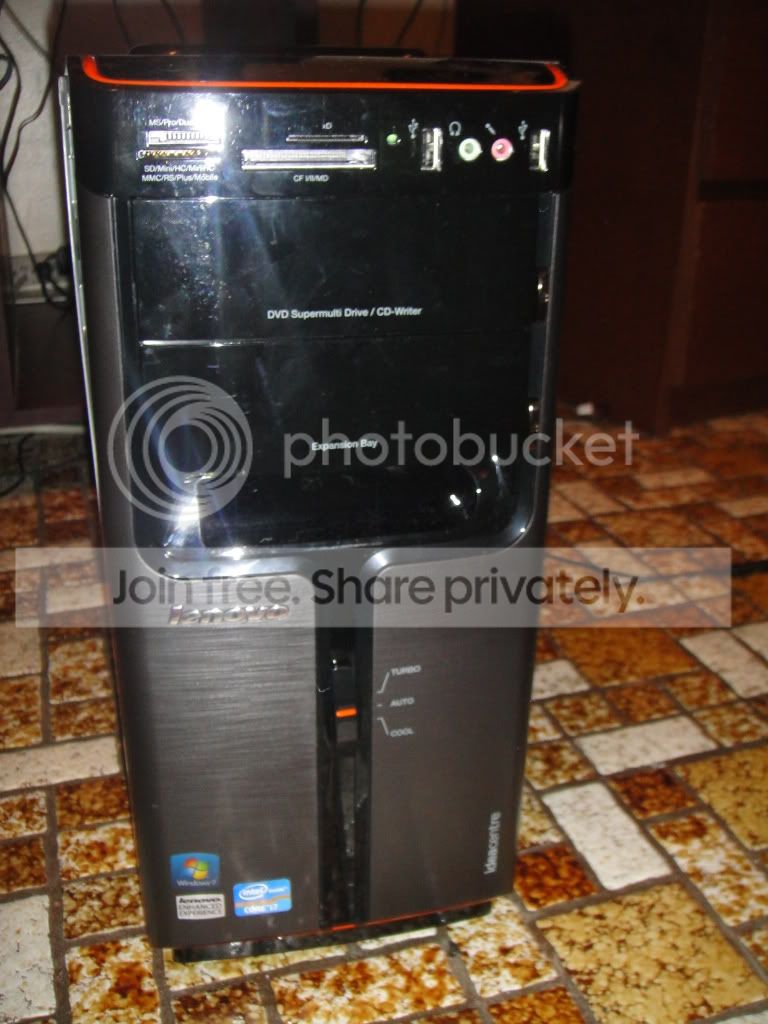
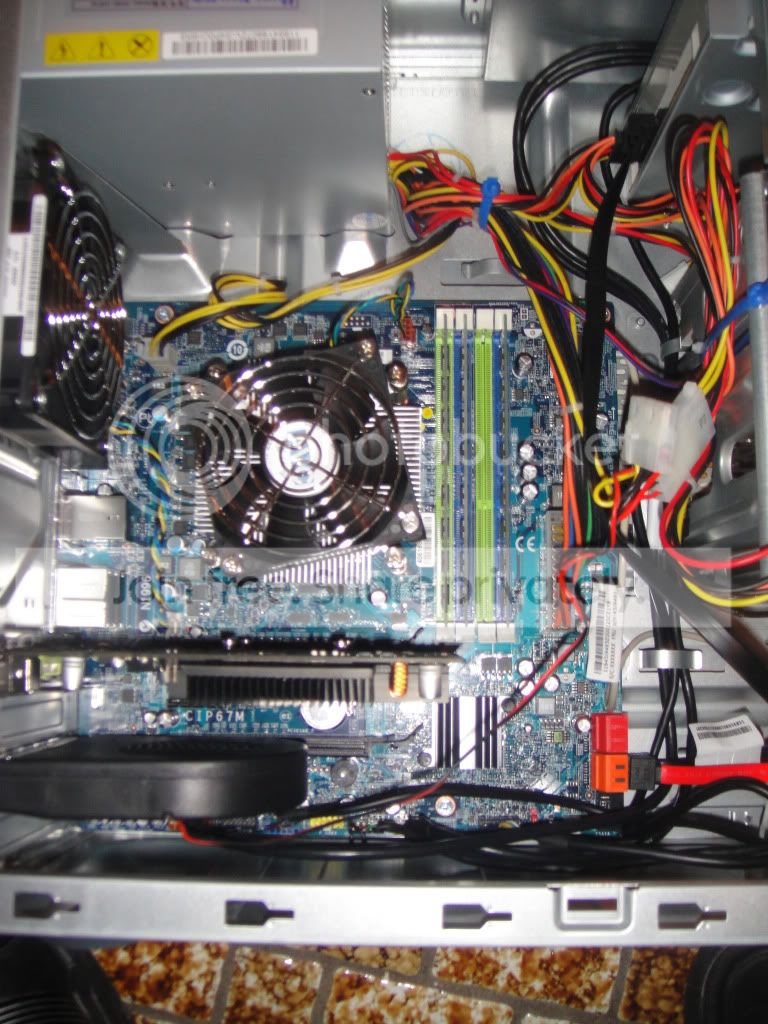
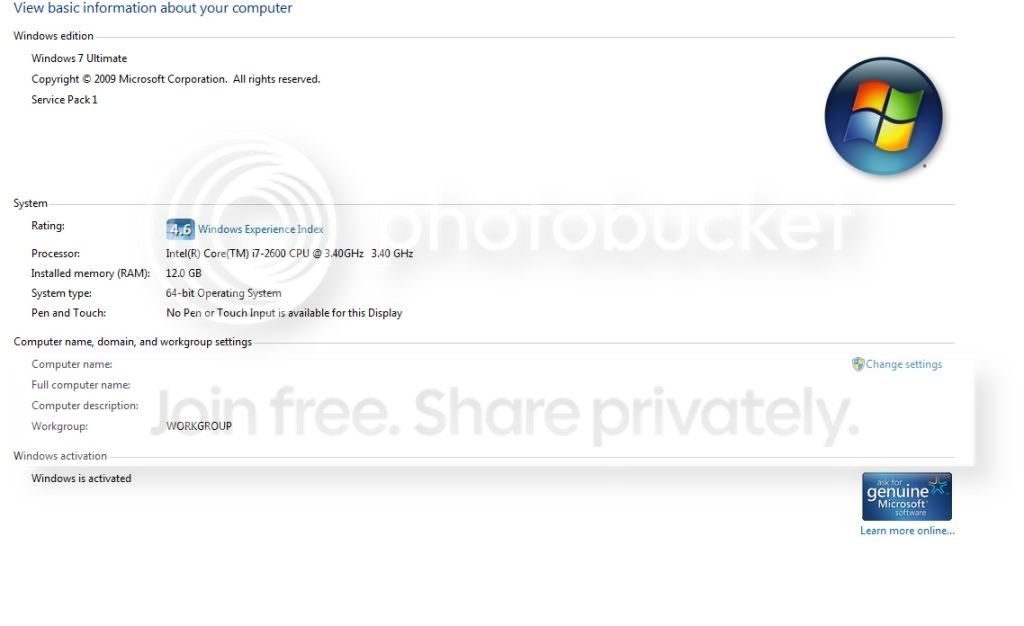
question when swapping hard drives to a new pc. So i just ordered a new lenovo desktop (intel core i7 with 12gb ram) which im upgrading it from an hp pavilion desktop (intel core 2 duo with 4gb ram). and what im wondering is, if my hp hard drive (500gb sata) will work perfectly on the new lenovo desktop as the main bootable hd with windows 7 pro sp1 32 bit? or do i have to start from scratch?.
I try similar stuff with 2 laptops. i use a dell inspiron 1525 to reinstall windows 7 (intel core 2 duo) and put that hd on an acer aspire (intel core i5), and everything went fine. i just have to install the drivers again and the activation.
so it will work the same way as for the desktops i mention before?.. i hope yeah cuz then it will be a pain in the a_ _ to reinstall eveything again.. =) | My System Specs |
| System Manufacturer/Model Number LENOVO IDEACENTRE K330 OS WINDOWS 7 ULTIMATE SP1 64-BIT CPU INTEL I7 3.40 GHZ Memory 12GB Hard Drives 2TB |
11 Oct 2011
|
#2 | | MS Windows 7 Ultimate SP1 64-bit Austin, Texas |
What is your objective? Stated in as few words as possible.
As you might surmise, your objective is not clear.
Please do not suggest solutions, just state the objective.
I'm trying to give you an accurate and concise answer. | My System Specs | | System Manufacturer/Model Number Toshiba Satellite S875D-S7239 laptop OS MS Windows 7 Ultimate SP1 64-bit CPU AMD A10-4600M Motherboard AMD Pumori (Socket FT1) Memory 6.00 GB Dual-Channel DDR3 @ 798MHz (11-11-12-28) Graphics Card AMD Radeon HD 7660G Sound Card High Definition Audio Device Monitor(s) Displays Generic PnP Monitor (1600x900@60Hz) Screen Resolution 1600x900@60Hz Keyboard Standard PS/2 Keyboard Mouse HP Wireless Optical Mobile Mouse Model FHA-3410 Hard Drives SSD 119GB Corsair CSSD-V128GB2 ATA Device Internet Speed What the local pub, local coffee shop offers. Other Info Optical Drive:MATSHITA BD-CMB UJ160B ATA Device
Also have an Asus ha1002xp netbook with Win 7 Ultimate installed. |
11 Oct 2011
|
#3 | | Windows 7 SP1, Home Premium, 64-bit |
You want to put the old drive (which contains an OS and installed apps) into the new PC to avoid having to reinstall your applications onto the new PC's hard drive--which presumably will have an OS on it when it arrives?
Sounds like you will also be dealing with a new motherboard and chipset that probably won't make nice with the Windows installation on the old hard drive. | My System Specs | | System Manufacturer/Model Number Ignatz Special; 4 speed manual gearbox; factory air conditioning; one of one OS Windows 7 SP1, Home Premium, 64-bit CPU Intel Sandy Bridge i5-2500, not overclocked Motherboard Gigabyte H67A-UD3H-B3, full ATX Memory 4 GB Crucial DDR3-1333 Graphics Card none; graphics are integrated on CPU Sound Card onboard: Realtek ALC892; external: USB Behringer UF0-202 Monitor(s) Displays NEC 90GX2-BK 19" LCD Screen Resolution 800 x 640 Keyboard Leopold Tenkeyless with Cherry Blue switches, USB Mouse Logitech or Microsoft optical wired; either USB or PS 2 PSU Seasonic SS-560KM, modular Case Antec Solo II Cooling CPU: Scythe Big Shuriken; Case: Scythe Slipstream 800 & 500 Hard Drives System: Intel 320 Series SSD, 80 GB;
Data: Samsung Spinpoint 103SJ, 1 TB;
Backup: WD Caviar Green WD15EADS-00P8B0, 1.5TB Other Info Power consumption of this system, including monitor: 68 watts at idle; 144 watts at full load |
11 Oct 2011
|
#4 | | Windows 7 Professional SP1 32-bit Fantasyland |
It's always worth a try - the OP did say that he did this once before and it worked fine after installing new drivers. It's always a 50-50 chance of it either working or horribly crashing and burning.
Recommend you have a safe backup of your system (at least your important personal data), but otherwise - go for it.
Let us know if you succeed. | My System Specs | | System Manufacturer/Model Number Custom-built OS Windows 7 Professional SP1 32-bit CPU Intel Core 2 Duo E6600 2.4GHz, overclocked to 2.7GHz Motherboard Asus PL5D2 Memory 4GB DDR2-667 (4x1GB in dual-channel config) Graphics Card nVidia GeForce 9800 GT Sound Card Creative X-Fi XtremeMusic Monitor(s) Displays Acer Screen Resolution 1920x1200 (DVI) Keyboard Standard Mouse Microsoft wireless optical mouse PSU Antec TruePower 2.0 Case Cooler Master Centurion Cooling various fans Hard Drives OCZ SSD Vertex Plus 60GB SATA (Firmware 3.55), 64MB cache
Hitachi HD321KJ SATA, 320GB, 7200rpm, 16MB cache Internet Speed DSL; ~330KB/sec down, ~110KB/sec up Other Info Have a laptop too :) (Compaq CQ60 also with Win7 Pro SP1 32-bit)
Drives in both systems:
C: - Windows 7 + apps. Pagefile is fixed size and located at the very end of the partition.
D: - various temp files/cache for Firefox and apps/games.
E: - videos, music, misc. storage, torrent downloads, etc. |
11 Oct 2011
|
#5 | | Windows 7 Ultimate X64 SP1 Cromer Norfolk UK |
I'll go with Corazon on this.
I actually did this the other day, a friend of mine's laptop was exhibiting all the signs of a dying hard drive. It turned out to just be a completely buggered Windows install.
So, I took his hard drive, installed it into my desktop, did a "clean all" and reinstalled Windows. After I plugged it back into his laptop it just installed all the necessary drivers and got on with it, so it's certainly possible.
Take backups first though, for gods sake. | My System Specs | | Computer type PC/Desktop System Manufacturer/Model Number Self Built OS Windows 7 Ultimate X64 SP1 CPU Intel(R) Core(TM) i5-2500K CPU @ 3.30GHz Motherboard Intel(R) Core(TM) i5-2500K CPU @ 3.30GHz Memory 8GB 1333Mhz DDR3 Graphics Card NVIDIA GeForce GTX 460 Sound Card Realtek Monitor(s) Displays Acer Al1980, Screen Resolution 1360*768 Keyboard Alba USB Mouse IT Works Wireless USB PSU 750W Cooler Master Case Cooler Master Haf X Cooling Cooler Master Hyper TX3 Hard Drives 500GB SATA WBC
1TB WD Caviar Green
80GB IDE Samsung Internet Speed 12Mb/s Down 1.2 Mb/s Up |
11 Oct 2011
|
#6 | | MS Windows 7 Ultimate SP1 64-bit Austin, Texas |
+1 on Corazon's and SeveredSolo's advice.
Go for the gold! | My System Specs | | System Manufacturer/Model Number Toshiba Satellite S875D-S7239 laptop OS MS Windows 7 Ultimate SP1 64-bit CPU AMD A10-4600M Motherboard AMD Pumori (Socket FT1) Memory 6.00 GB Dual-Channel DDR3 @ 798MHz (11-11-12-28) Graphics Card AMD Radeon HD 7660G Sound Card High Definition Audio Device Monitor(s) Displays Generic PnP Monitor (1600x900@60Hz) Screen Resolution 1600x900@60Hz Keyboard Standard PS/2 Keyboard Mouse HP Wireless Optical Mobile Mouse Model FHA-3410 Hard Drives SSD 119GB Corsair CSSD-V128GB2 ATA Device Internet Speed What the local pub, local coffee shop offers. Other Info Optical Drive:MATSHITA BD-CMB UJ160B ATA Device
Also have an Asus ha1002xp netbook with Win 7 Ultimate installed. |
11 Oct 2011
|
#7 | | WINDOWS 7 ULTIMATE SP1 64-BIT NYC |

Quote: Originally Posted by ignatzatsonic You want to put the old drive (which contains an OS and installed apps) into the new PC to avoid having to reinstall your applications onto the new PC's hard drive--which presumably will have an OS on it when it arrives?
Sounds like you will also be dealing with a new motherboard and chipset that probably won't make nice with the Windows installation on the old hard drive. yeah, i just want to put the old drive on it so i dont have to deal again by reinstalling everything. well i will keep you guys update it when i receive my lenovo desktop (probably by the 16th of october). | My System Specs | | System Manufacturer/Model Number LENOVO IDEACENTRE K330 OS WINDOWS 7 ULTIMATE SP1 64-BIT CPU INTEL I7 3.40 GHZ Memory 12GB Hard Drives 2TB |
11 Oct 2011
|
#8 | | WINDOWS 7 ULTIMATE SP1 64-BIT NYC |

Quote: Originally Posted by karlsnooks +1 on Corazon's and SeveredSolo's advice.
Go for the gold! yeppp i will take that advice. thats what technicians do. | My System Specs | | System Manufacturer/Model Number LENOVO IDEACENTRE K330 OS WINDOWS 7 ULTIMATE SP1 64-BIT CPU INTEL I7 3.40 GHZ Memory 12GB Hard Drives 2TB |
11 Oct 2011
|
#9 | | WINDOWS 7 ULTIMATE SP1 64-BIT NYC |

Quote: Originally Posted by Corazon It's always worth a try - the OP did say that he did this once before and it worked fine after installing new drivers. It's always a 50-50 chance of it either working or horribly crashing and burning.
Recommend you have a safe backup of your system (at least your important personal data), but otherwise - go for it.
Let us know if you succeed.  yepp i have my backup ready just in case.. yeah i will keep you guys update it when i succeed swapping the hard drives. | My System Specs | | System Manufacturer/Model Number LENOVO IDEACENTRE K330 OS WINDOWS 7 ULTIMATE SP1 64-BIT CPU INTEL I7 3.40 GHZ Memory 12GB Hard Drives 2TB |
11 Oct 2011
|
#10 | | Windows 7 Ultimate x64 SP1 Philadelphia, PA |

Quote: Originally Posted by chris7021 windows 7 pro sp1 32 bit I'm at a loss as to why you'd consider this anyway. You have 12 GB of system memory in the new system, and you'd be running an OS that would only make use of 25-30% of it. If you had a specific reason to need 12 GB of system memory, you'd already be aware that you'd need Windows 7 x64 to address and use all of it. That being said, you will need to do a clean install.
Besides, with that kind of power, why not do a clean install? If you plan ahead and use common sense, you can get a clean install down to about 2 hours. | My System Specs | | OS Windows 7 Ultimate x64 SP1 CPU Intel Core i7-2600 Motherboard Gigabyte GA-P67A-UD3P-B3 Memory 12 GB Patriot Extreme DDR3-1333 Graphics Card Nvidia GTX 470 Monitor(s) Displays Dell UltraSharp 2209WA PSU OCZ ModStream 700W Case CoolerMaster HAF 912 Advanced Cooling CoolerMaster Hyper 212 Plus Hard Drives OCZ Agility3 240 GB, WD5001AALS, WD7501AALS question when swapping hard drives to a new pc. problems? All times are GMT -5. The time now is 05:53 AM. | |