Hi,
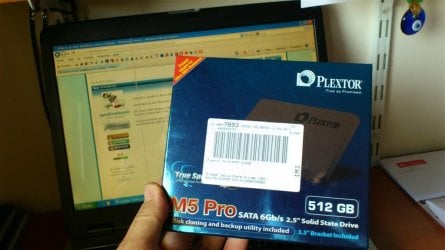
I'm less that 24 hours of receiving my M5P 523GB ssd!
I saw many tweaks around but could anyone, please, tell me exactly what are the really necessary tweaks (and things that i must do before installing the ssd) ?
For example, I will not deactivate hibernate since I've 512GB! Of course I will deactivate defrag (if not automatically disabled by Win7 Pro).
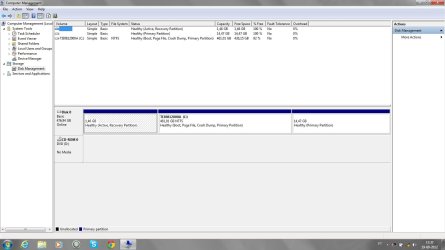
I will not clone my actual hdd but instead I will restore my laptop to the factory state! (of course with the ssd installed!).
SSD like the sleep function? (I mean if I press F3 my lap go to sleep! Is this possible with the SSD?)
Thanks a lot,
paulo
I'm less that 24 hours of receiving my M5P 523GB ssd!
I saw many tweaks around but could anyone, please, tell me exactly what are the really necessary tweaks (and things that i must do before installing the ssd) ?
For example, I will not deactivate hibernate since I've 512GB! Of course I will deactivate defrag (if not automatically disabled by Win7 Pro).
I will not clone my actual hdd but instead I will restore my laptop to the factory state! (of course with the ssd installed!).
SSD like the sleep function? (I mean if I press F3 my lap go to sleep! Is this possible with the SSD?)
Thanks a lot,
paulo
My Computer
At a glance
Windows 7 Professional 64 bitI7 2640M8 GBAMD Radeo HD 6450M
- Computer Manufacturer/Model Number
- Toshiba Tecra R840
- OS
- Windows 7 Professional 64 bit
- CPU
- I7 2640M
- Memory
- 8 GB
- Graphics Card(s)
- AMD Radeo HD 6450M
- Monitor(s) Displays
- HD+ 14 inch
- Hard Drives
- HDD 500GB 7200 rpm


 .
.