Hi All,
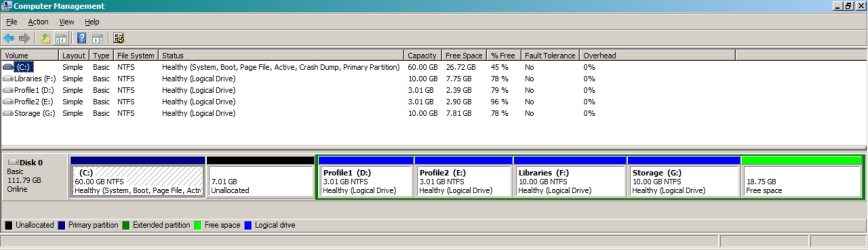
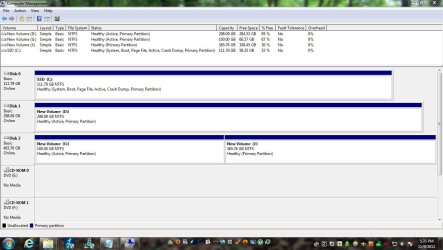
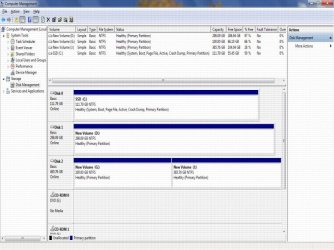
I have 3 drives installed on my PC (1) solid state drive for the O.S. Win 7 Pro; dual booting on a VHD Win 8 Pro (which I really like). The other two SATA drives are for storage (1) 500 gig partitioned in two and (1) 320 gig not partitioned.
Here's my problem: Periodically the SATA drives will dissappear and the only way to get them back is to shutdown my PC and disconnect them from the MOBO and then plug them back in. When I restart they reappear. This happpens from time to time but without a trigger that I'm aware of.
I've tested both drives and they are healthy and I'm at a loss why this happens.
Any ideas?
Any and all help is appreciated.
Thanks........Tom
I have 3 drives installed on my PC (1) solid state drive for the O.S. Win 7 Pro; dual booting on a VHD Win 8 Pro (which I really like). The other two SATA drives are for storage (1) 500 gig partitioned in two and (1) 320 gig not partitioned.
Here's my problem: Periodically the SATA drives will dissappear and the only way to get them back is to shutdown my PC and disconnect them from the MOBO and then plug them back in. When I restart they reappear. This happpens from time to time but without a trigger that I'm aware of.
I've tested both drives and they are healthy and I'm at a loss why this happens.
Any ideas?
Any and all help is appreciated.
Thanks........Tom
My Computer
At a glance
7 Professional 64bitAMD Phenom II X4 965 Black Edition Deneb 3.4GHz8GB (Kingston DDR3 1333 2GB x4)On Board ATI
- OS
- 7 Professional 64bit
- CPU
- AMD Phenom II X4 965 Black Edition Deneb 3.4GHz
- Motherboard
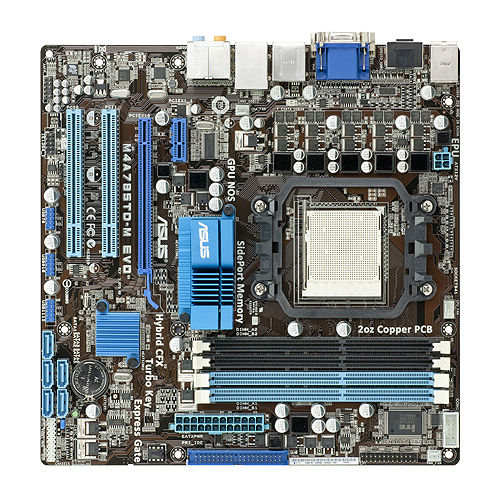
- ASUS M4A785TD-M EVO
- Memory
- 8GB (Kingston DDR3 1333 2GB x4)
- Graphics Card(s)
- On Board ATI