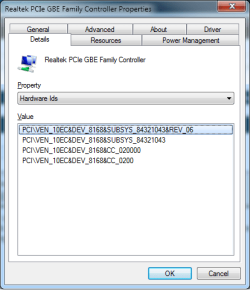
I am using the laptop Asus K56CM and i found to wifi driver which is in the driver download website. So I don't know which should i install ?. If I install the both, will it be a conflict ?
This bluetooth driver also has this problem!
This bluetooth driver also has this problem!
My Computer
At a glance
Windows 7 Professional 64bit
- OS
- Windows 7 Professional 64bit