Flippylumpy
New member
- Local time
- 8:06 PM
- Messages
- 18
Hi,
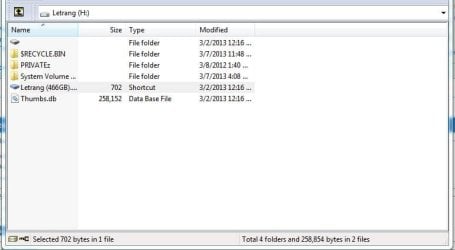
I'm having troubles on opening my hard drive. 1st, there was this Shortcut virus that affected my external, i thought it was just a simple virus cause it just creates shortcuts of your files instead of getting to it directly. So after a day, i decided to fix it my self. But as always without asking, my Norton anti virus deleted the infected files right away when i plugged in the drive.
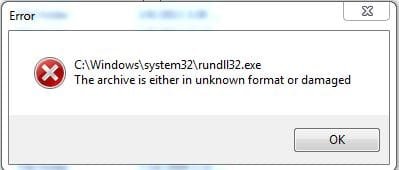
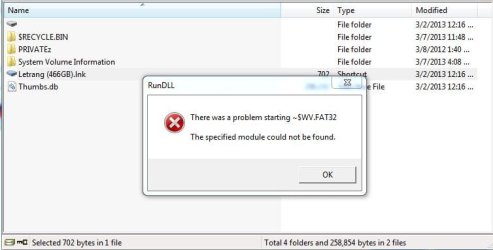
Now I can't open my Hard Drive, it states that "There was a problem starting ~$WV.FAT32, The specified module could not be found."
I've tried chkdsk/r x: but it always hangs or stops at 21 percent stage 4 of 5.
If possible, i really need to fix my external without losing the files. PLEASE help.
I'm having troubles on opening my hard drive. 1st, there was this Shortcut virus that affected my external, i thought it was just a simple virus cause it just creates shortcuts of your files instead of getting to it directly. So after a day, i decided to fix it my self. But as always without asking, my Norton anti virus deleted the infected files right away when i plugged in the drive.
Now I can't open my Hard Drive, it states that "There was a problem starting ~$WV.FAT32, The specified module could not be found."
I've tried chkdsk/r x: but it always hangs or stops at 21 percent stage 4 of 5.
If possible, i really need to fix my external without losing the files. PLEASE help.
My Computer
At a glance
windows 7 ultimate 32bit
- Computer type
- Laptop
- Computer Manufacturer/Model Number
- acer
- OS
- windows 7 ultimate 32bit