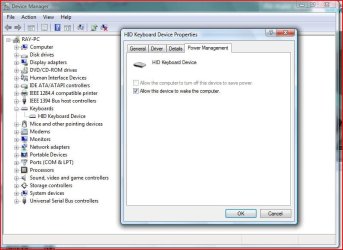
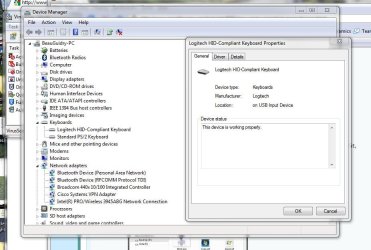
Same problem here
I, too, have the same problem. On my HP HDX18 laptop only the touchpad and keyboard have the power management tab to enable them to wake the computer.
My external Firefly keyboard, corded Kensington mouse and Logitech wireless mouse all lack the power management tab. I wrote Logitech about this and they said I needed newer ACPI/USB drivers. I installed the latest Intel chipset drivers that I know about.
HP told me that this is normal, power is shut off to the USB hubs. Which is silly. I have disenabled the selective suspend for the USB ports under Power Settings and in Device Manager went to each USB hub and unchecked "allow the computer to turn off power to this device", which may be what HP meant. I have the latest BIOS. But still no Power Management tab appears.
This was the same in Vista, BTW.
I did find the MCE Standby Tool here
Slick Solutions - Home of the MCE Standby Tool (MST) , which a post said would fix the problem, but am afraid I am not technically competent enough to use it. However, I may eventually get brave and make a restore point and then try it. If anyone more of a techie than I tries it, please report back. And if it worked, step by step instructions for dummies would really be a help. I should note that it doesn't mention Windows 7 so that might cause a problem, even if it does work in Vista.