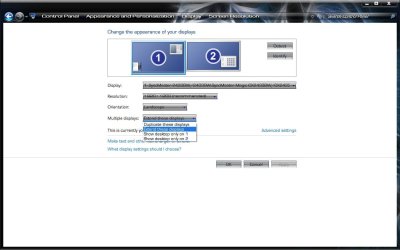
Hi, I'm having an issue extending my desktop to a second monitor. I really don't understand why but I have been using the monitor for some time with no major problems but now I am having a major problem. I can make the external monitor display the same image as my laptops monitor but I can not extend the desktop to it for some reason.
Any help is appreciated.
Any help is appreciated.
My Computer
- Computer Manufacturer/Model Number
- Sumsung R60+
- OS
- Windows 7
- CPU
- Intel Core 2 Duo T5750
- Memory
- 2GB
- Graphics Card(s)
- ATI
- Monitor(s) Displays
- Two.
- Hard Drives
- 1 150GB