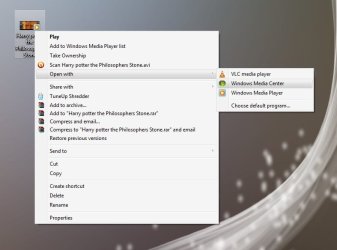
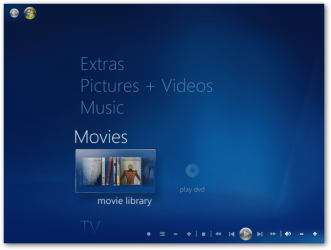
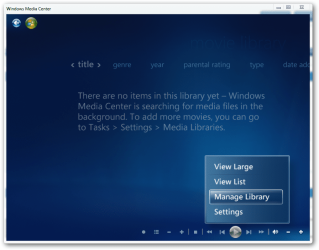
When you right click on a file, you are given an option of what program to use to open the file type with using 'open with' options. I am attempting to open an 'avi' video file with 'Windows Media Center' but the option is not there. Windows Media Player is there as well as a few others. I don't know where to find 'Windows Media Center' to add to the programs that would open a 'avi' file type. I can open WMC, find the video file and play it that way but want it added to the 'open with' list.
How do you add Windows Media Center to the programs available to 'open with'?
How do you add Windows Media Center to the programs available to 'open with'?
My Computer
At a glance
Windows 7 64 Bit
- OS
- Windows 7 64 Bit