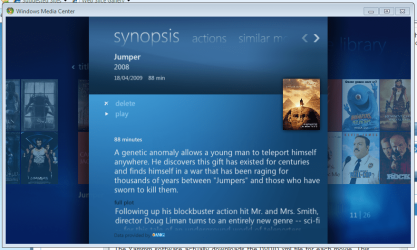
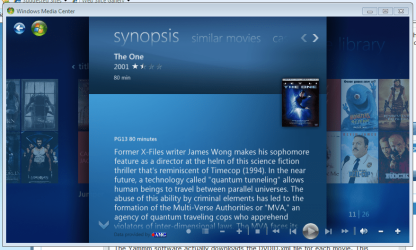
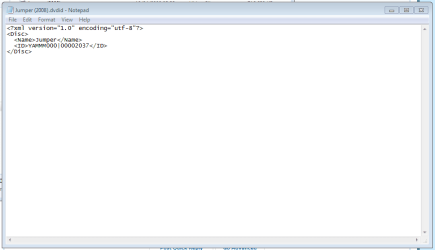
Has anyone else experienced this?
Note: I have E:\Movies\ included in my library for 'Movies - movie library'
I have recently decided to have all my movie files in their own folders with a folder.jpg file.
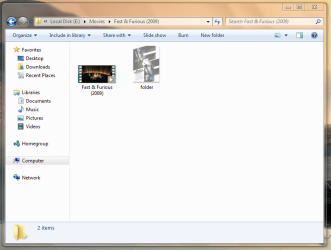
Whenever I run 7MC and access the 'Movies - movie library' the app hangs. I move the mouse & the selection sound can be heard
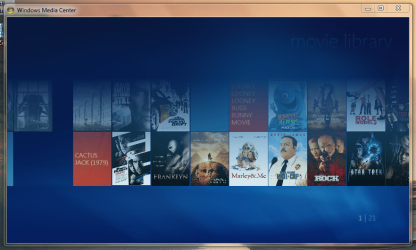
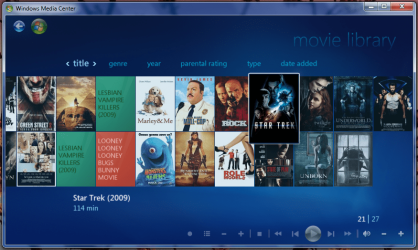
If I delete all the folder.jpg files from each directory 7MC has no issues with the 'Movies - movie library' but it just don't look as nice
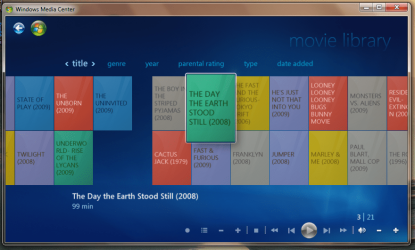
Any ideas would be great
Jeff
Note: I have E:\Movies\ included in my library for 'Movies - movie library'
I have recently decided to have all my movie files in their own folders with a folder.jpg file.
Whenever I run 7MC and access the 'Movies - movie library' the app hangs. I move the mouse & the selection sound can be heard
If I delete all the folder.jpg files from each directory 7MC has no issues with the 'Movies - movie library' but it just don't look as nice
Any ideas would be great
Jeff
My Computer
At a glance
Windows 7 Ultimate x64AMD Sempron Dual Core3GBNVIDIA GeForce 6150SE nForce 430
- Computer Manufacturer/Model Number
- Compaq Desktop
- OS
- Windows 7 Ultimate x64
- CPU
- AMD Sempron Dual Core
- Memory
- 3GB
- Graphics Card(s)
- NVIDIA GeForce 6150SE nForce 430
- Screen Resolution
- 1024x768
- Hard Drives
- 150GB Sata



 That goes for anyone