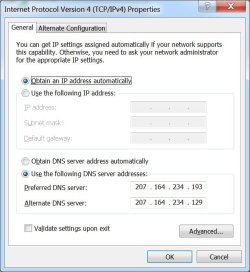
I’m trying to figure out how to get and IPTV signal with Media Center 7. (I have version 6.1.7600.163) Can anybody help?
I recently had At&t U-verse installed in my home and was told that I could use Windows 7 Media Center to connect to the U-verse service but the installation technician had no idea how to do it. I understand that U-verse broadcasts and IPTV signal that I should be able to pick up from the network. I have my computer connected to the U-verse modem but Media Center does not detect a TV signal.
I noticed that Media Center only gives me the option to scan for ‘Cable’ or ‘Antenna’. Should there also be an option for IPTV?
I recently had At&t U-verse installed in my home and was told that I could use Windows 7 Media Center to connect to the U-verse service but the installation technician had no idea how to do it. I understand that U-verse broadcasts and IPTV signal that I should be able to pick up from the network. I have my computer connected to the U-verse modem but Media Center does not detect a TV signal.
I noticed that Media Center only gives me the option to scan for ‘Cable’ or ‘Antenna’. Should there also be an option for IPTV?
My Computer
At a glance
Windows 7 Ultimate x64
- OS
- Windows 7 Ultimate x64