Hello!
I am using 2 computers, my desktop & laptop.
I have windows 7 ulti & pro x64 and I'm using Microsoft Office 2010.
I am mostly using Microsoft Onenote which I have synced to my account so everytime I make a change on one of the computers, it gets changed on the other one also.
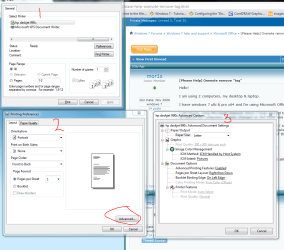
One problem now, all the notes that have been modified / added by the OPPOSITE computer have this ugly "print" on them with a tag for the name of the computer which says when it's modified etc if you have the mouse over it. This destroys the appereance of the notes.
PRINT SCREEN:
http://img185.imageshack.us/img185/1315/onenote.png
(all the M's with the brown thing left of them)
Does anyone know how to remove it? I've looked around alittle but can't seem to find the function..
Appreciate any help I can get!
I am using 2 computers, my desktop & laptop.
I have windows 7 ulti & pro x64 and I'm using Microsoft Office 2010.
I am mostly using Microsoft Onenote which I have synced to my account so everytime I make a change on one of the computers, it gets changed on the other one also.
One problem now, all the notes that have been modified / added by the OPPOSITE computer have this ugly "print" on them with a tag for the name of the computer which says when it's modified etc if you have the mouse over it. This destroys the appereance of the notes.
PRINT SCREEN:
http://img185.imageshack.us/img185/1315/onenote.png
(all the M's with the brown thing left of them)
Does anyone know how to remove it? I've looked around alittle but can't seem to find the function..
Appreciate any help I can get!
My Computer
At a glance
windows 7
- OS
- windows 7