- Local time
- 3:30 AM
- Messages
- 170
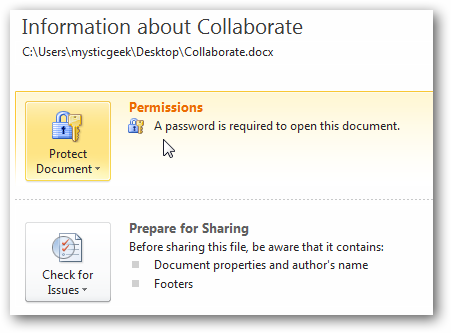
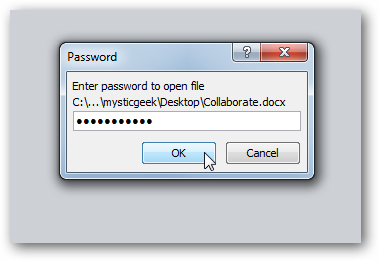
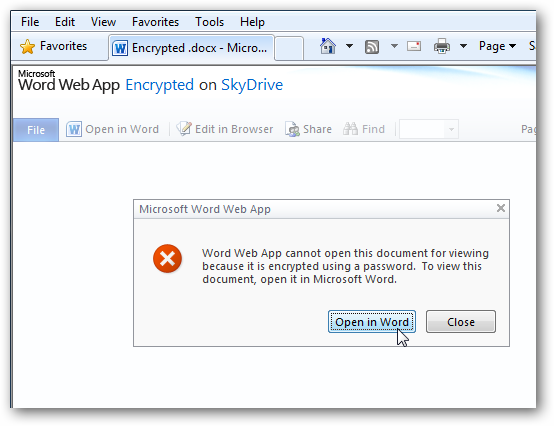
When I send some friends a password protected word document created in Word 2010 they can't open it using word 2007 which is compatible with docx by using the correct password. I have no choice but to send as a Word doc instead of docx so they can open it.
Word 2007 User 1: Word launches no password box no error messages just the blue screen.
Word 2007 User 2: Gets the error message: “Word cannot open this file . The encryption type used is not available. Contact the author of the file. More encryption types are available in the High Encryption Pack.”
Therefore I suspect some kind of encryption pack must be installed. I believe the user 1 has XP and user 2 has Win 2000 pro. are using XP. Do you know where these encryption packs are available? The other possibility might be for me to reduce the encription level when I create a password protected docx but I have no idea how to do that.
Is there a solution to this problem?
Kind Regards
Chris
Kind Regards
Chris
Word 2007 User 1: Word launches no password box no error messages just the blue screen.
Word 2007 User 2: Gets the error message: “Word cannot open this file . The encryption type used is not available. Contact the author of the file. More encryption types are available in the High Encryption Pack.”
Therefore I suspect some kind of encryption pack must be installed. I believe the user 1 has XP and user 2 has Win 2000 pro. are using XP. Do you know where these encryption packs are available? The other possibility might be for me to reduce the encription level when I create a password protected docx but I have no idea how to do that.
Is there a solution to this problem?
Kind Regards
Chris
Kind Regards
Chris
My Computer
At a glance
Desktop Win 10 Pro 64 bit, Laptop Win 7 Home ...Desktop Intel i7 4790 CPU 3.6 GHz, Laptop AMD...Desktop 16 Gbt, Laptop 4 GbtDesktop nvidea GeForce NTX960, Laptop AMD Rae...
- Computer type
- PC/Desktop
- Computer Manufacturer/Model Number
- Desktop Custom built, Laptop Lenovo G575 Model 20081
- OS
- Desktop Win 10 Pro 64 bit, Laptop Win 7 Home 64 bit
- CPU
- Desktop Intel i7 4790 CPU 3.6 GHz, Laptop AMD C-50 1GHz
- Motherboard
- ASUS H81 Gamer
- Memory
- Desktop 16 Gbt, Laptop 4 Gbt
- Graphics Card(s)
- Desktop nvidea GeForce NTX960, Laptop AMD Raedon HD 6250M
- Sound Card
- Desktop onboard Realtec high definition audio nvidea HD aud
- Monitor(s) Displays
- BENQ G900 Digital 19 inch
- Screen Resolution
- 1024 x 768
- Hard Drives
- Silicon Power SSD SATA 3.0 450b Gbt
Seagate 4 Tbt SSHD
- PSU
- Thermaltake 1000W
- Case
- Thermaltake
- Cooling
- Onboard case fans
- Keyboard
- Standard PS/2
- Mouse
- A4 Tech optical wireless PS/2
- Internet Speed
- 10 Mbps
- Antivirus
- Microsoft Security Essentials
- Other Info
- DVD Samsung TSST corp CDDVDW - SATA