QRASoldier
New member
- Local time
- 8:42 PM
- Messages
- 4
http://i1084.photobucket.com/albums/...P6-IMG-001.png
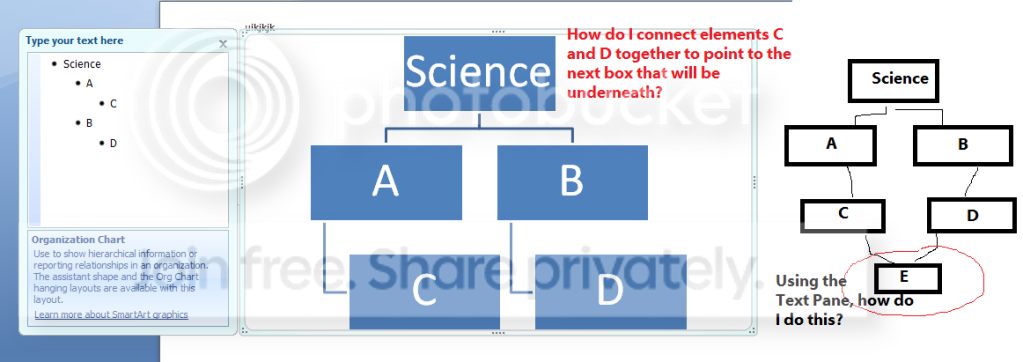
^ Please see the above image.
I am trying to join those two sub-elements C and D to form a newer, inferior element, E. Any suggestions as to how I would do this in the text pane, or how else I could accomplish this?
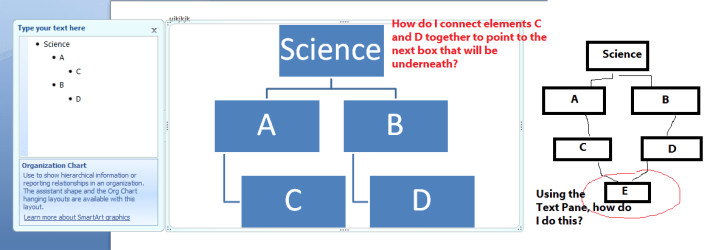
^ Please see the above image.
I am trying to join those two sub-elements C and D to form a newer, inferior element, E. Any suggestions as to how I would do this in the text pane, or how else I could accomplish this?
My Computer
At a glance
W7
- OS
- W7