
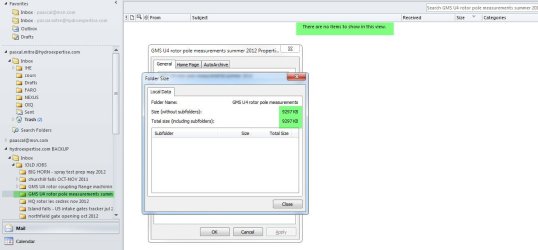
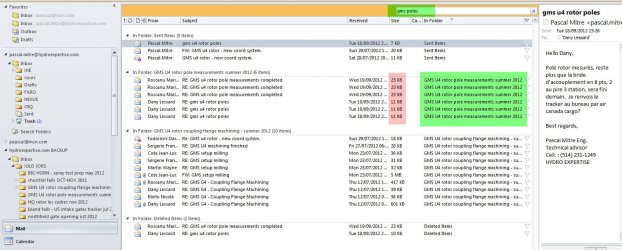
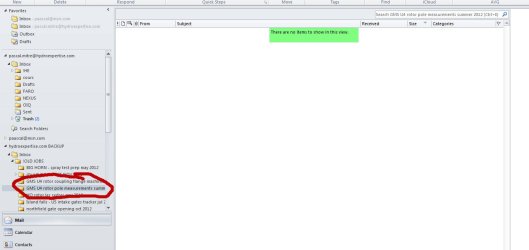
hello i run outlook 2010 64 bit. i was backin up folders as PST... in 2 folders AAAAAAAALL the emails dont appear anymore. if i do a search in the folder nothing... i need to selec try again in all folders then, it says the emails are in the folder but none show!, if i righ click on the folder and ask properties it says there 9meg in data but nowthing shows! anyone have an idea?!
please help im reaaaaally screwed!
please help im reaaaaally screwed!
Attachments
My Computer
At a glance
win 7 u x648gbintel hd graphics 3000 & nvidia quadro 1000m
- Computer type
- PC/Desktop
- Computer Manufacturer/Model Number
- lenovo w520
- OS
- win 7 u x64
- Memory
- 8gb
- Graphics Card(s)
- intel hd graphics 3000 & nvidia quadro 1000m

