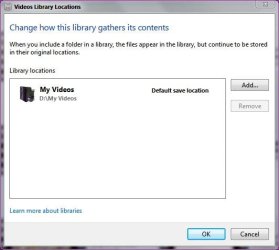
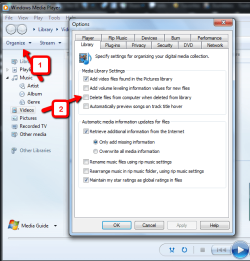
Sometimes WMP can get bugged like this if you delete a file from its library directly from the folder.
If the file has been deleted, yet WMP still thinks its there, you can do one of 2 things to get it back on track.
Both involve clearing and resetting the WMP library.
1) Restore the Media Library.
Right click the empty space to the left of the Play,Burn,Sync Tabs.
Navigate to: Tools -- Advanced -- restore Media Libary
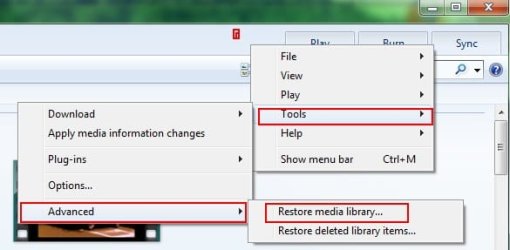
This will remove everything from the libary & close WMP. When you re-open it, it will be empty and begin rebuilding.
This should resolve the issue. However, there are occasions when it does not.
2) If the above method fails to remove the dead links:
Make sure Show Hidden Files/Folders is enabled.
Go to: C: / Users/
[username] / Appdata / Local / Microsoft / Media Player
Inside that folder you'll see something like this:
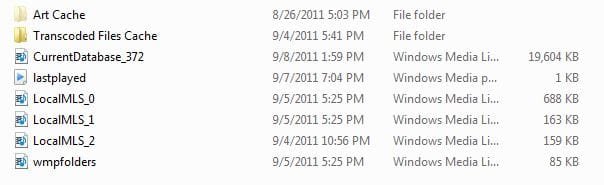
Delete all of this.
This also deletes and clears the WMP library (but NOT the actual files)
Open WMP and let it rebuild the library.
--For future reference, its usually better to delete a file from within WMP (either from library or library and disc) to prevent this from happening.
Also this does not always happen. It will often correct itself, but sometimes it will not.
If you forget, and it happens again, the 1st method work the majority of the time to reset it.