
Set up a Homegroup - simple except that the time on the two PC's was different which will prevent connection to a homegroup (Thank heavens for the tip on this forum). I checked the boxes to share Printers and Pictures on PC A, as it has an HP LaserJet 3030 that PC B needs access to. PC B can view the pictures on PC A, but no sign of a printer -- is there some way to add it or find it? In PC A I shared the printer. I've restarted, etc. and the Homegroup is working fine except for the printer.
My Computer
At a glance
Windows 7 Home Premium 32bit
- OS
- Windows 7 Home Premium 32bit

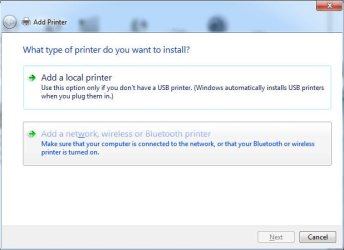

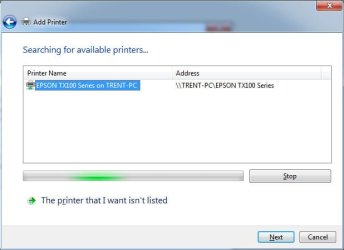
 I went the Homegroup route because the method you mentioned wasn't working. I remember now that Norton Internet Security is on PC A, and the firewall on that beast has kept many things from not being shared, etc. Will play with it a bit - maybe I'll disable the firewall and see if that opens things up. Thanks.

