froggie36
New member
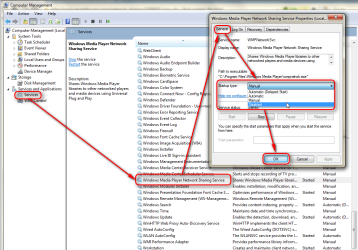
I need to remove "WMPNetworkSvc" from a number of programs & files. Cannot trace back how I linked or shared this Media file in the first place. Was changing permissions so I could open other restored files. Unable to remove it now as it inherited permission from its parent. So, how can I find the parent?
I have another problem but need to resolve this first before posting another thread.:banghead:
I have another problem but need to resolve this first before posting another thread.:banghead:
My Computer
At a glance
Win 7 32
- OS
- Win 7 32