Chimpvanzee
New member
- Local time
- 2:41 AM
- Messages
- 20
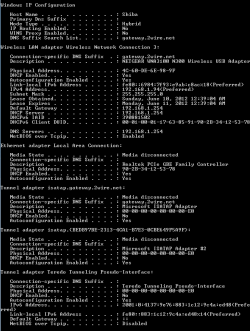
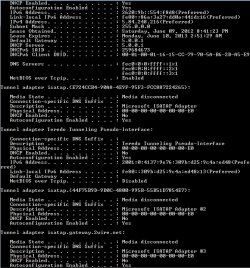
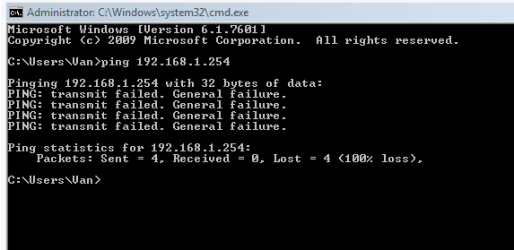
So I had just finished building and setting up my new rig yesterday and today I got a Netgear adapter. I installed everything and it went fine until it started going in and out giving me the "Default Gateway" error. I searched for what is now 4 hours and tried every solution possible, but I cannot seem to fix it. I will provide any information I can, just tell me what you need.
My Computer
At a glance
Windows 7 Home Premium 64bitAMD FX812
- OS
- Windows 7 Home Premium 64bit
- CPU
- AMD FX812
- Motherboard
- Gigabyte 990FXA-UD3